Proof is in the numbers


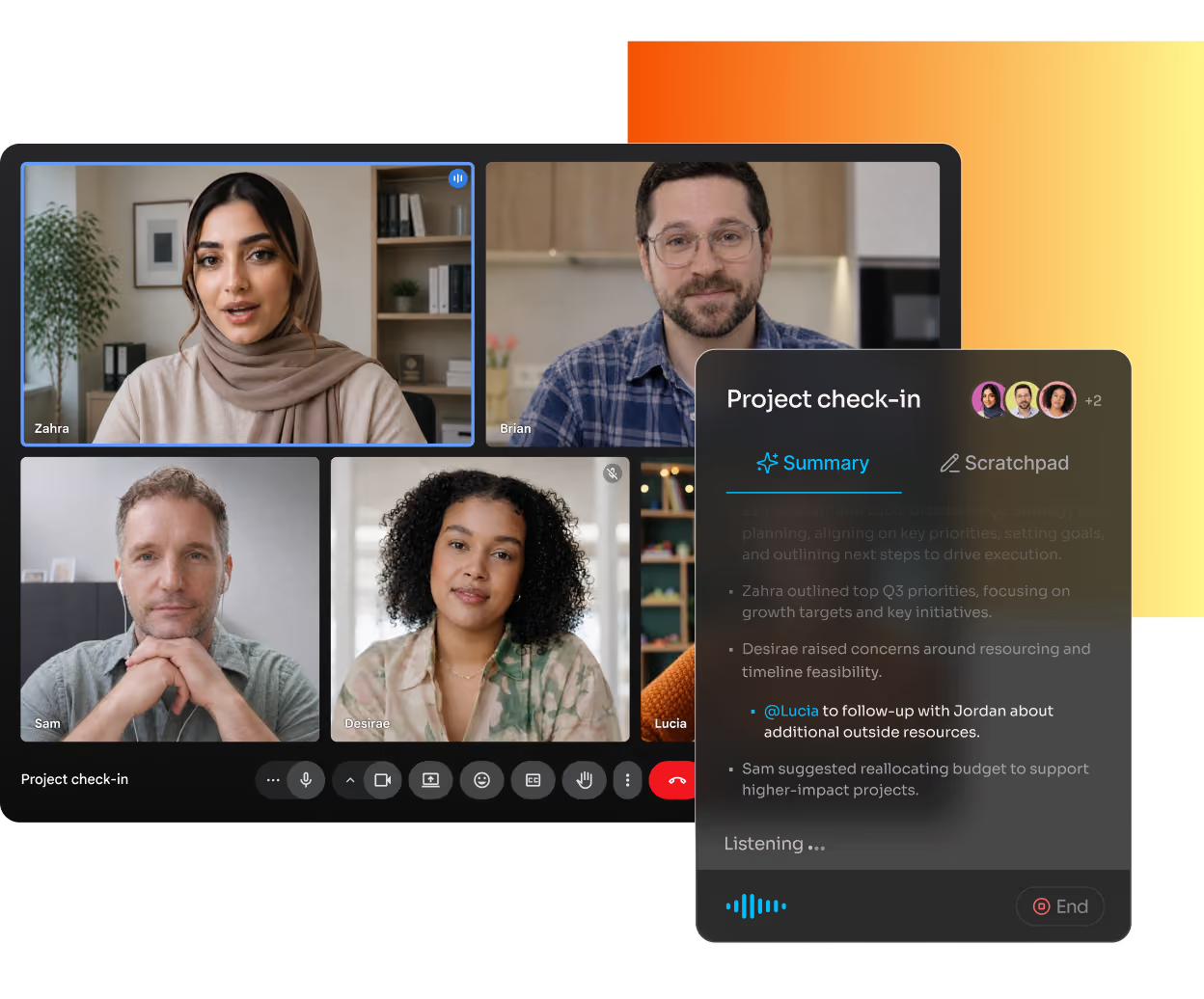
Google's notetaker needs a paid Workspace or Gemini plan just to turn on, and each meeting lands as its own Doc in Drive. Fathom is built with meeting intelligence always in mind, keeping core capture free and every call in one library.
Proof is in the numbers

Meet your brilliant AI meeting copilot

Free plan
Works across platforms
Cross-meeting search
Call organization
CRM sync
In-person / mobile capture
Why teams choose Fathom
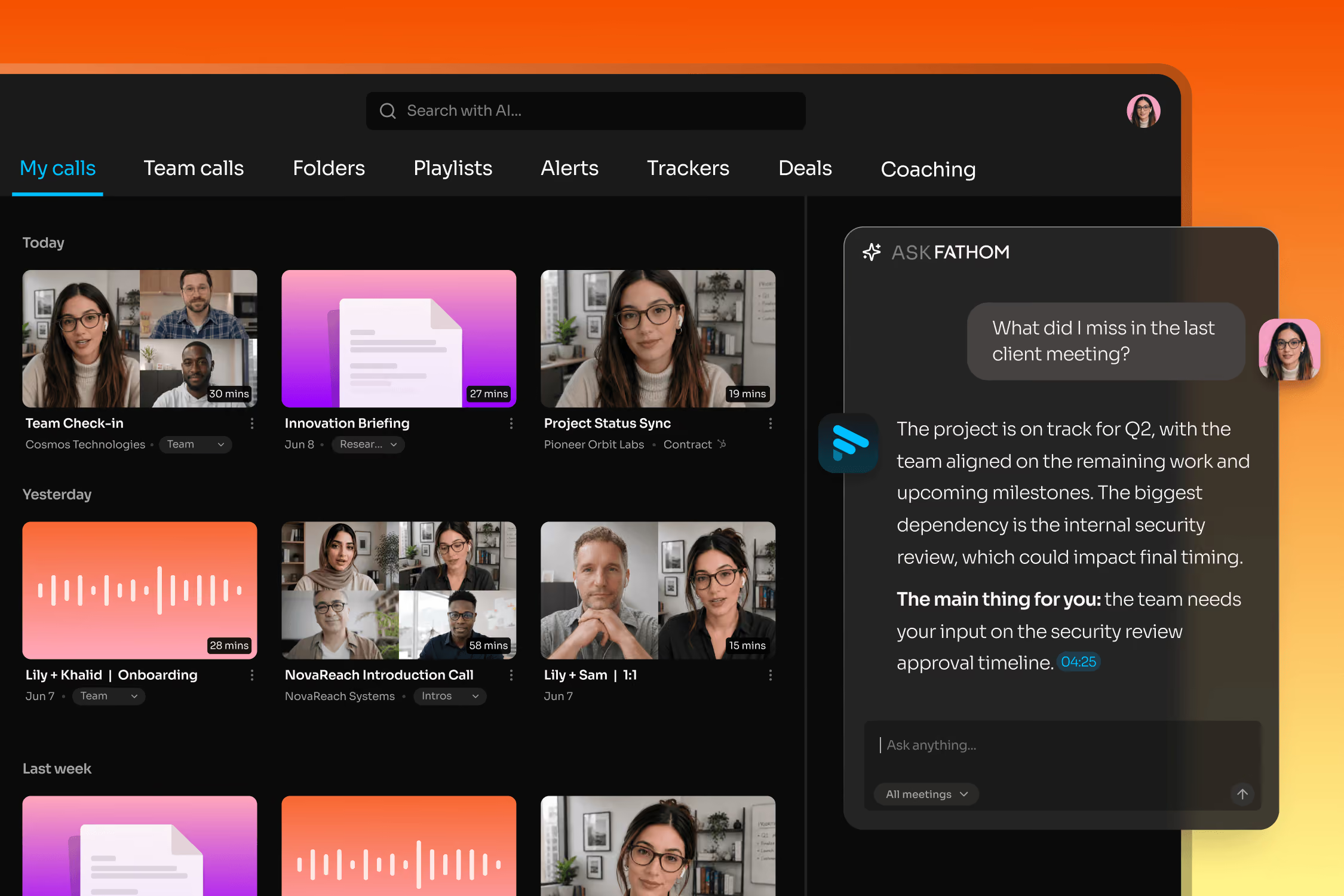
Fathom's Call Summary and Ask Fathom sit on top of every call in one searchable library so you can search your entire history from the free tier. Google generates a standalone Doc per meeting, with no way to search or ask questions across past calls.
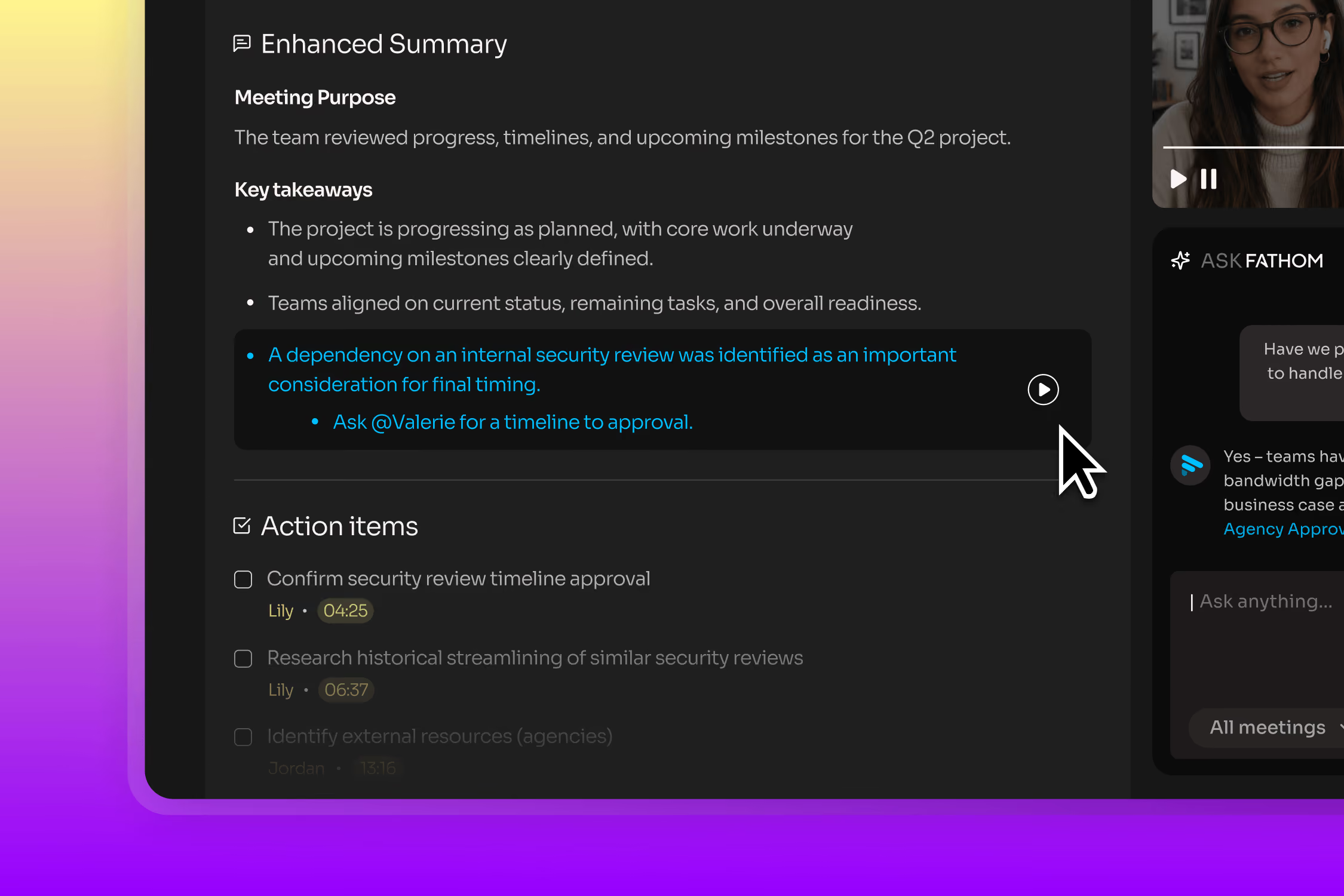
Every summary item, action item, and highlight in Fathom automatically links back to the exact moment in the recording — click and watch it happen. Google's notetaking runs independent of recording, which is a separate manual step; skip it, and there's no clip to click back into at all.
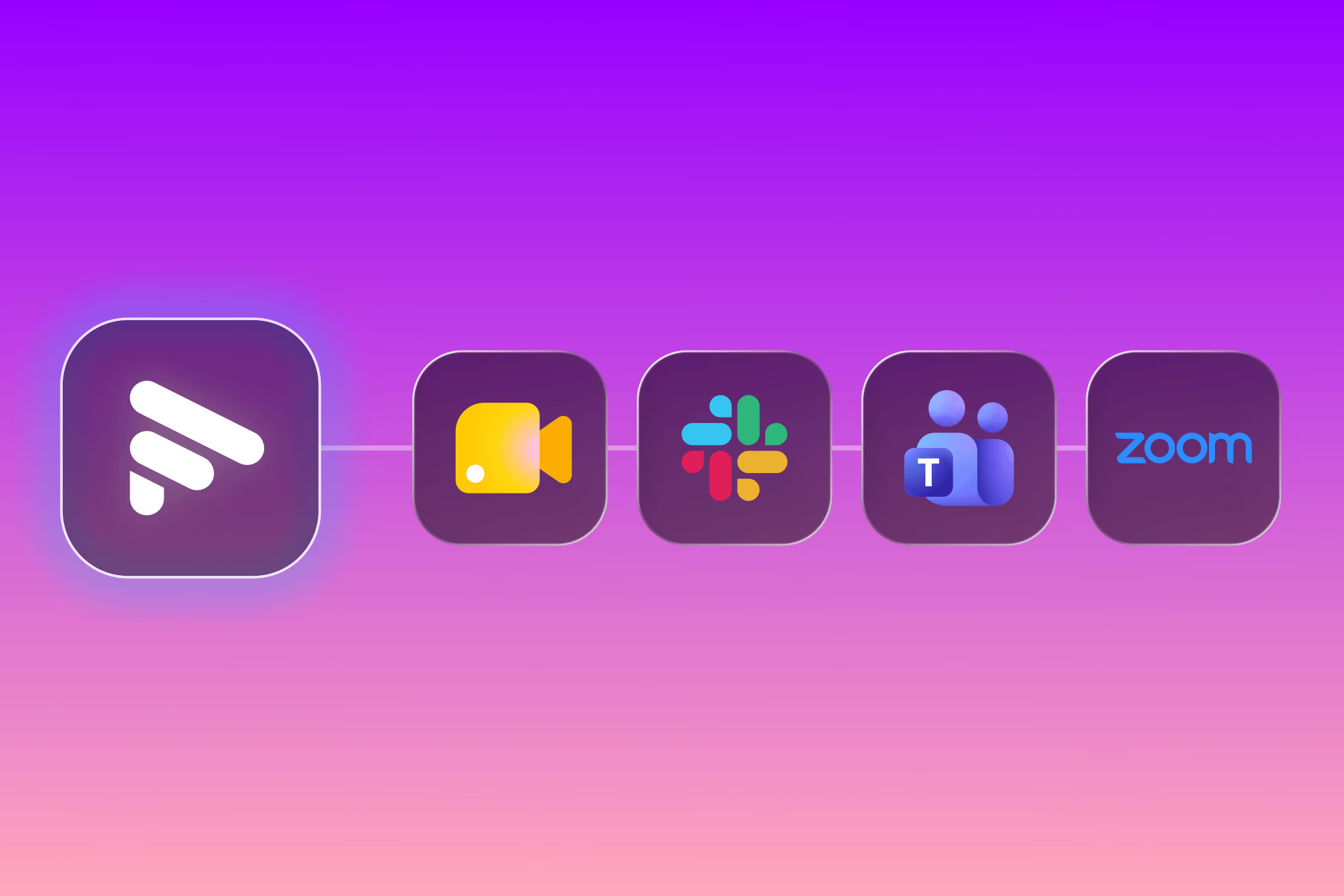
Fathom captures Zoom, Google Meet, Microsoft Teams, and Slack Huddles calls in one place. Google's notetaker only works inside Meet — any meeting on another platform gets no AI notes at all.
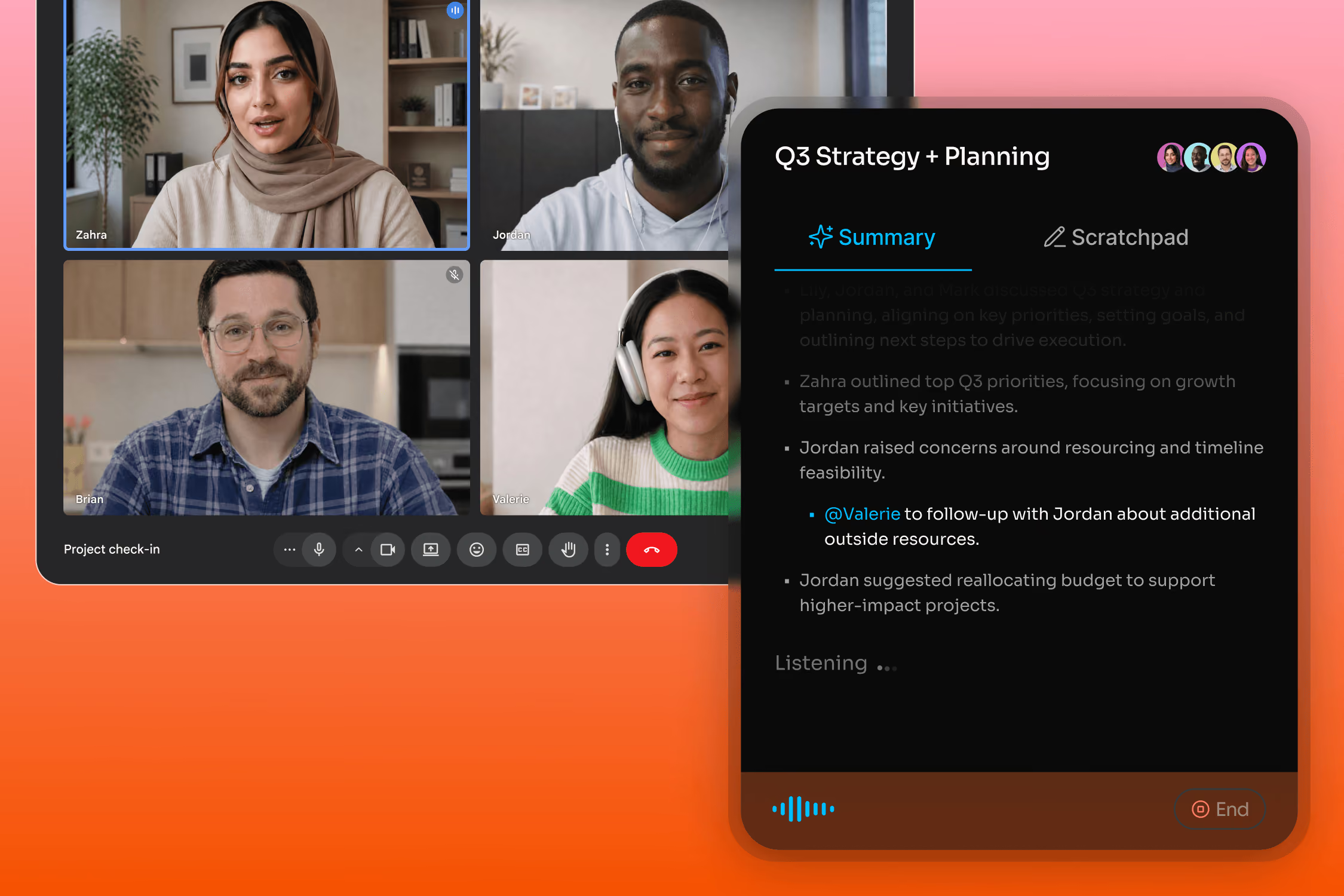
Gemini's meeting notes require a paid Workspace Business Standard seat or a Google AI Pro subscription — there's no way to try it without paying first. Fathom's core capture, transcription, and AI summaries are free and unlimited from the first meeting, with no seat minimum or admin approval needed to turn it on.
"Fathom will change your life - I'm not even exaggerating" 5/5
As a user researcher, my life genuinely got better when I started using Fathom. Before, I had to scramble to write or type important quotes down. Then, I would second guess whether I captured it, so I'd have to go to a recording and transcript (like fireflies) and dig up the real quote. I would also have to do that in order to share out real user snippets with the team. It was such a pain.
Fathom is the ultimate combination of recording, transcribing, and notetaking that anyone who records calls could benefit from using.
Shahpar M.
Head of UXR

"The Perfect (and super smart) Notetaker" 5/5
Post-meeting action items are gold. The "Ask Fathom" feature is also amazing. Asking questions such as "What were the top three reasons Michael would not want to move forward with my solution?" is fantastic.
Chris W. Sr.
Solutions Consultant
"Can’t live without Fathom anymore" 5/5
It’s such a nice experience to not worry about missing important notes or to do’s during calls I’m also a big fan of using fathom to transcribe sales calls, so I can gather valuable insights about my ideal clients. I recommend Fathom to all my friends and clients!
Luke
Owner
"I didn’t know I needed this. Now I can’t imagine work without it" 5/5
Fathom has completely changed the way I handle meetings. I can now stay fully focused on the conversation instead of trying to take perfect notes. It somehow manages to capture all the small, important details that I’d usually miss, and those often make the biggest difference.
George G.
Partner
"Fathom.ai is a game changer for sales leaders and their teams!" 5/5
Fathom has been transformative for my team from a productivity and data integrity perspective. The integration with Google Meet and Hubspot have made our forecast calls much more direct and accurate. As a result the communication between the sales team and leadership has improved tremendously, giving us better clarity on what's in our pipeline. I wouldn't run a sales organization without Fathom.ai ever again!
Derek B.
Vice President, Sales
Fathom Turns Conversations into Strategic Sales Intelligence—Automatically. 5/5
Fathom eliminates the administrative drag of note-taking by auto-capturing, summarizing, and tagging every conversation with pinpoint accuracy. As an AI Sales Performance Consultant, I find it invaluable for instantly extracting actionable insights from discovery, qualification, and pipeline meetings. It seamlessly integrates with CRM platforms, enabling sellers and sales leaders to focus on strategy and execution instead of data entry or memory recall.
Stephen C.
Managing Partner
Fathom works everywhere you meet and syncs meeting insights automatically with the tools your team already uses.
Zero friction, maximum flexibility.




Questions? We’ve got you covered.
No. Gemini notetaking requires at minimum a Workspace Business Standard seat (starting at $14/user/month). There's no free tier for the feature itself. Fathom's core capture, transcription, and summaries are free and unlimited from the start.
That depends on whether you only meet in Google Meet. If you do, Gemini's built-in notetaker needs no extra setup. If your team also meets on Zoom, Microsoft Teams, or Slack Huddles, Fathom captures all of it in one place and one searchable library, so it's worth checking against other AI meeting tools if you're comparing broadly.
Yes. Fathom works across Google Meet, Zoom, Microsoft Teams, and Slack Huddles. Gemini's notetaker only works inside Meet — a meeting on another platform gets no AI notes at all.
Google's meeting notes save as individual Docs in the organizer's Drive, with no built-in way to query or search across past meetings. Ask Fathom searches your team's entire call history from the free tier.
Fathom's Deal View maps call data directly to HubSpot and Salesforce fields and auto-updates on every future deal. Gemini's notes don't sync to a CRM on their own; getting them there is a manual copy-paste step.
Gemini is the better fit if your team lives entirely in Google Meet and already pays for Workspace with Gemini; you want meeting notes created with no extra tool for your IT team to approve; you need notes that land in Google Docs your whole Workspace can edit; or you want no separate app or login. If you also meet on Zoom, Microsoft Teams, or Slack Huddles, or want in-person meetings captured through Fathom's iOS app, Fathom keeps every conversation in one searchable library.
Fathom is the better fit if you also meet on Zoom, Teams, or Slack Huddles; want to try AI notes free, without a Workspace upgrade or admin approval; want every call in one library you can search and ask questions of; want each summary item to link to the exact moment in the recording; or want call data mapped into HubSpot or Salesforce fields.