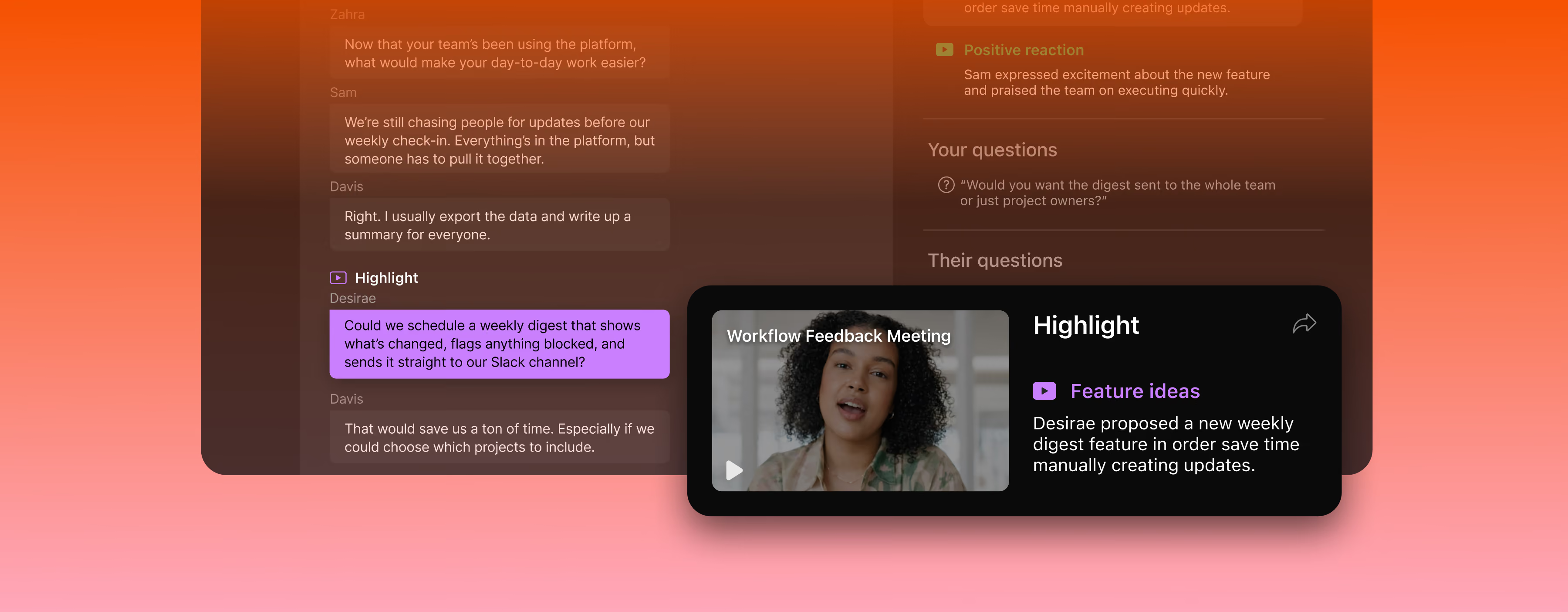
Fathom syncs meeting insights automatically with the tools your team uses. Zero friction, maximum flexibility.


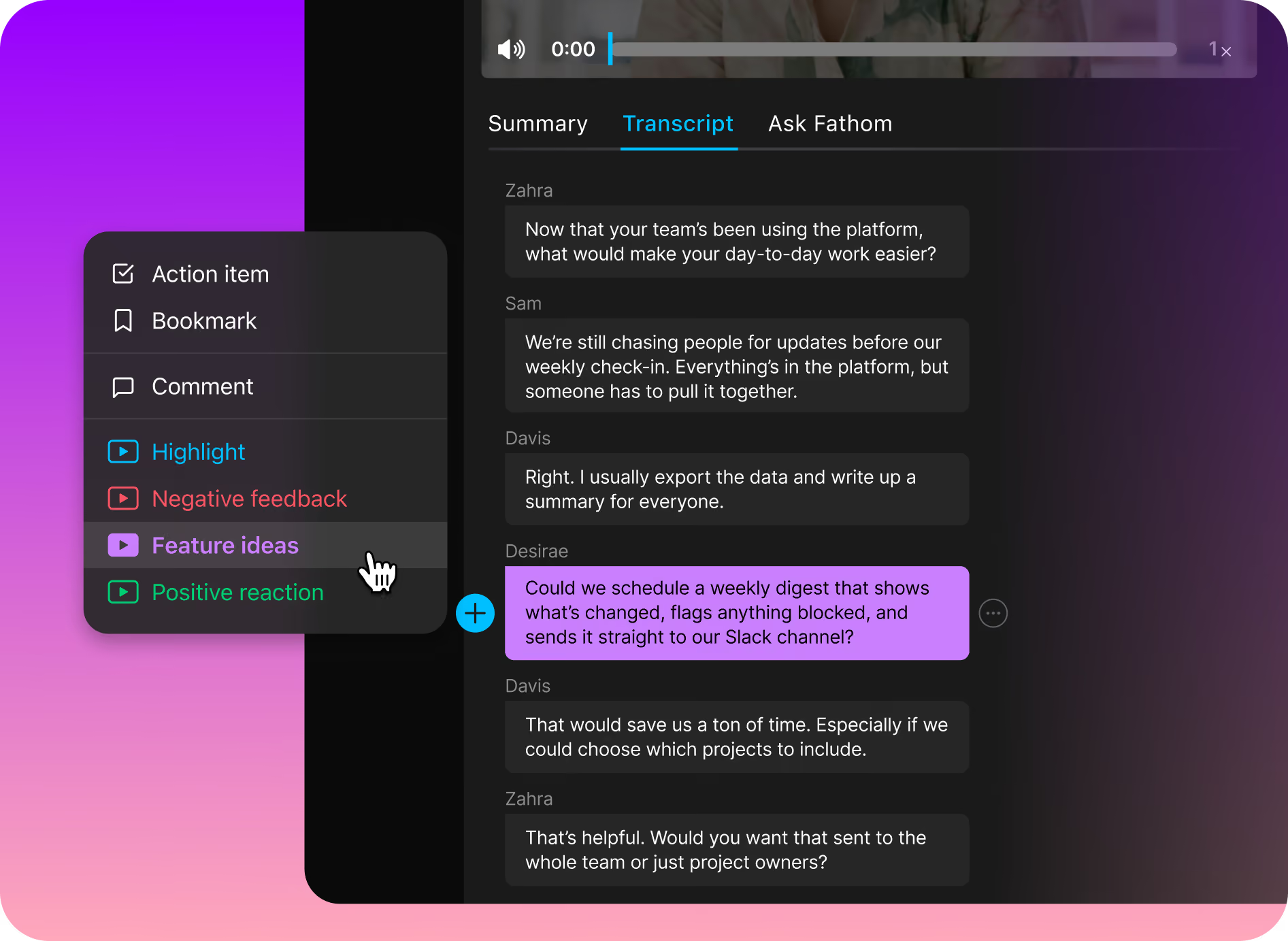
Create Highlight types that fit how you work, like Budget, Cool Idea, or Product Bug. After the call, add one to the exact moment in the transcript with a click.
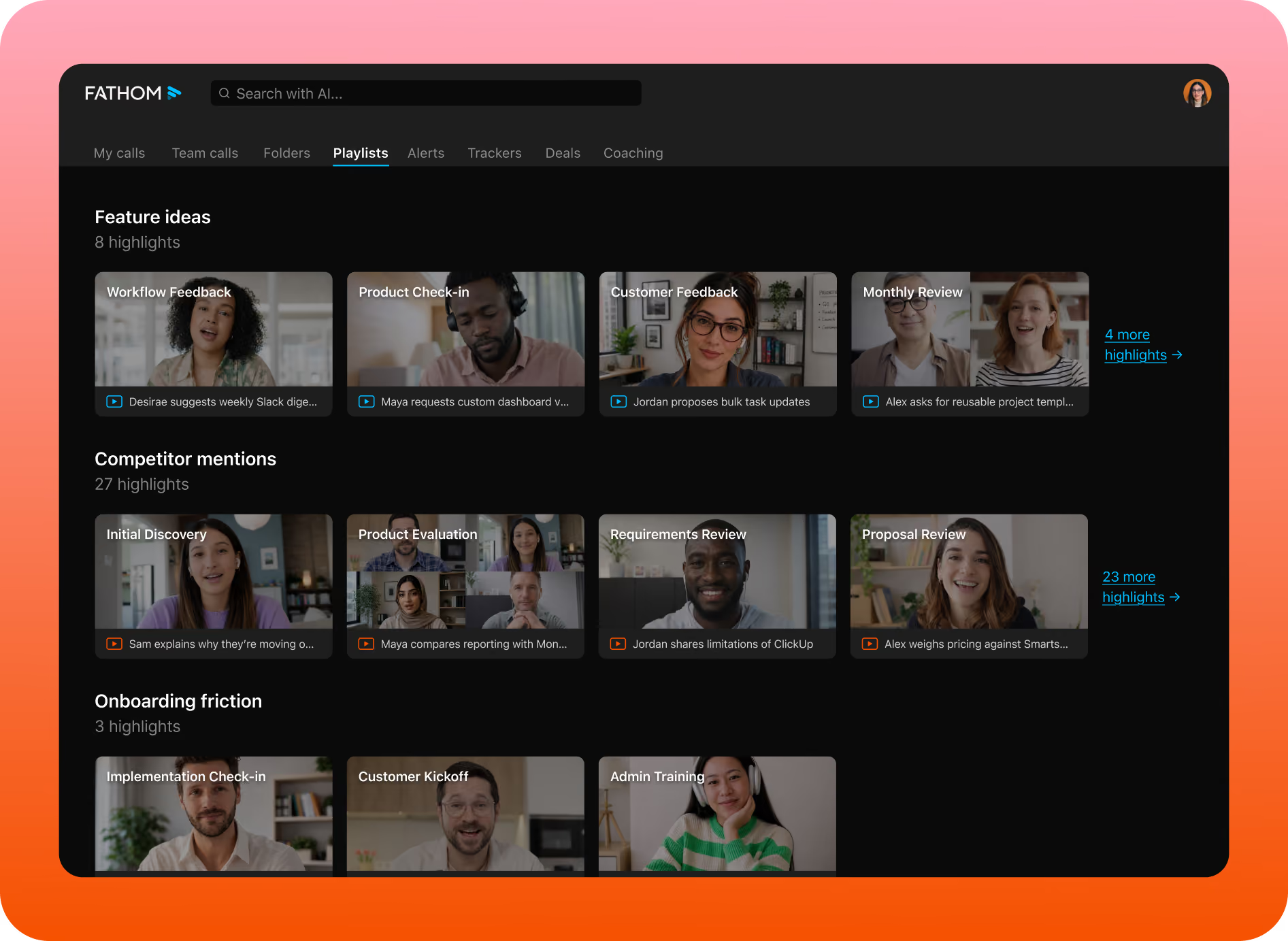
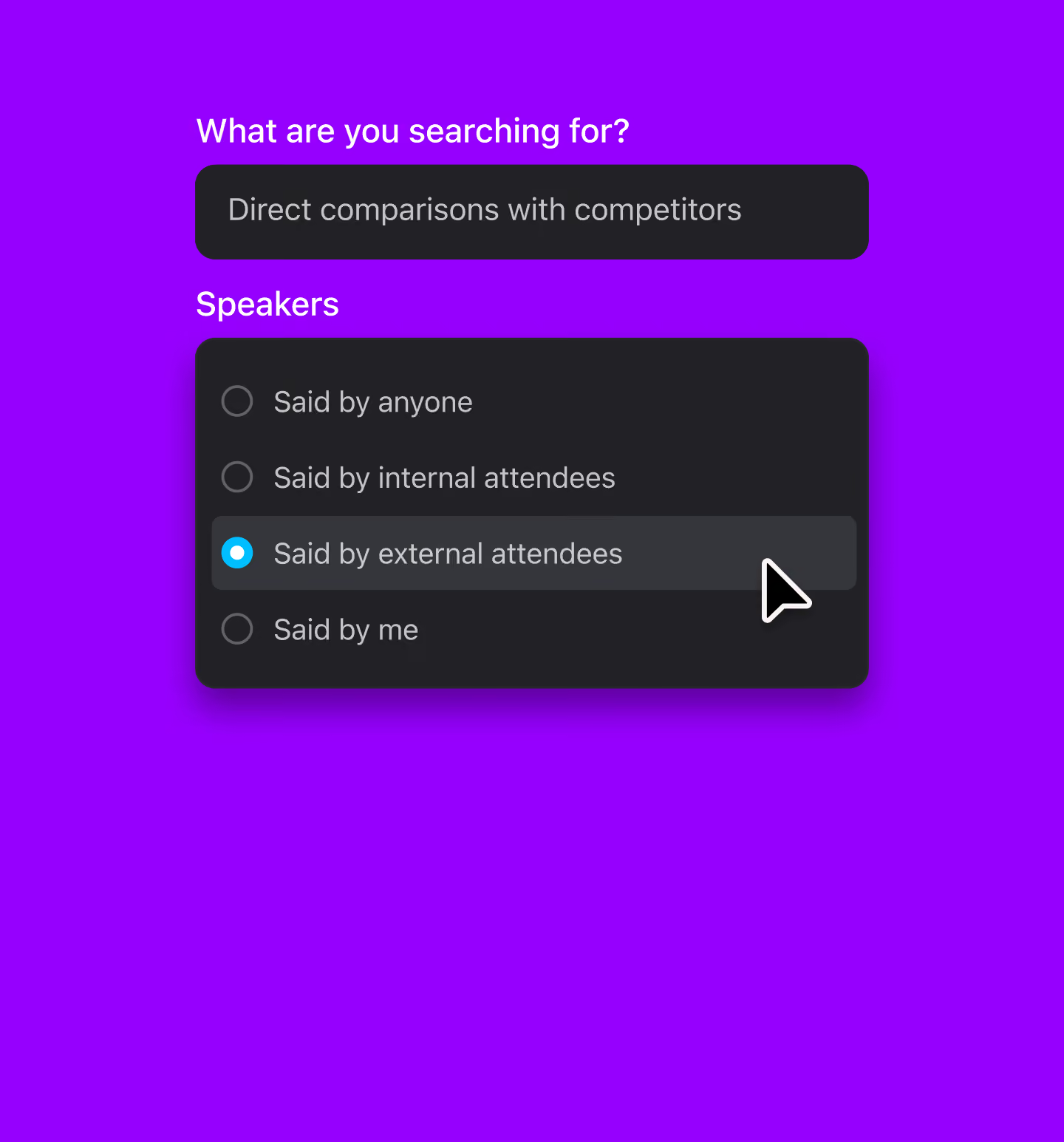
Highlights are searchable across your call library, so last month’s testimonial or the bug a customer described is a quick search away, not a rewatch.
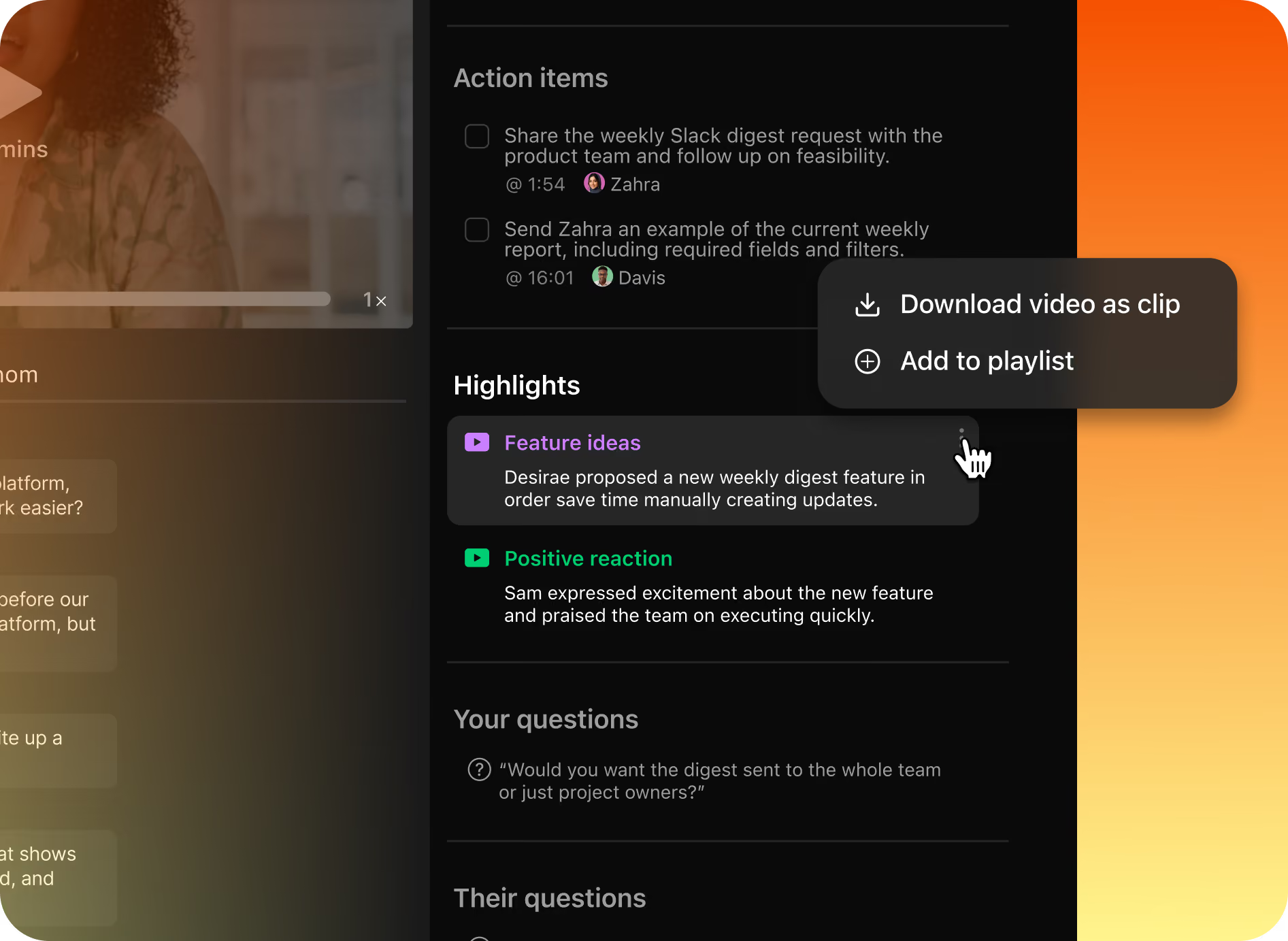
Turn a Highlight into a clip or add it to a Playlist, so a teammate gets exactly what the customer said in seconds instead of an hour.
Put meeting highlights to work for your team


Testimonials



It is much more stable and reliable than Copilot. Also, the customer support has been fantastic!
Carlos O.
CEO
The level of detail and the accuracy in the notes are truly impressive. This is much better than the built-in Zoom AI Companion!
Paul O.
Senior IT SRE Engineering Manager
I have been trying a number of different notetakers in the past 6 months (Read AI, Otter, Google Meet's Gemini) and Fathom provides far and away the best summaries post-meeting. I used to take my own notes alongside the other notetakers as my notes were generally better, but now I don't bother doing that any more!
Verified G2 User
Motion Pictures and Film
It’s such a nice experience to not worry about missing important notes or to do’s during calls I’m also a big fan of using fathom to transcribe sales calls, so I can gather valuable insights about my ideal clients. I recommend Fathom to all my friends and clients!
Luke
Owner
A real game changer for meetings. You can be focused in the meeting itself instead of taking notes or trying to remember tasks and topics after the call. Recap, summaries, highlights, recording, stats... that's a bunch of features that make everything easy and profitable for your business!
Eduardo K.
Country Sales Manager for Spain
Questions? We’ve got you covered.
Meeting highlights are moments in a call that you tag with a label, like Budget, Testimonial, or Product Bug. In Fathom, a Highlight marks the exact spot in the transcript, so you can find, clip, and share that moment later without rewatching the whole meeting.
Open a call’s summary, find the moment in the transcript, and apply one of your Highlight types. Tagging Highlights live during the call is available in Fathom’s legacy desktop app and is coming to Fathom 3.0.
Yes. Each person creates the Highlight types that fit their work, such as Budget, Cool Idea, Follow Up, or Product Bug. Highlight types are set per user.
Yes. Highlights are searchable across your call library, so you can pull up every testimonial or reported bug by type instead of rewatching calls.
Yes. Turn any Highlight into a clip to share the exact moment with a teammate, or add it to a Playlist to collect moments like customer testimonials or strong discovery questions in one place.
You apply Highlights yourself to the moments you choose. Trackers use AI to tag themes automatically across every future call, on Team, Business, and Enterprise plans. Use Highlights for the moments you want to mark by hand, and Trackers for the topics you want Fathom to watch for you.
Highlights are available on Fathom’s Team, Business, and Enterprise plans. See Fathom pricing for current plan details.
Yes. The Fathom API can return Highlights alongside meeting data, so you can bring tagged moments into your own tools and workflows.