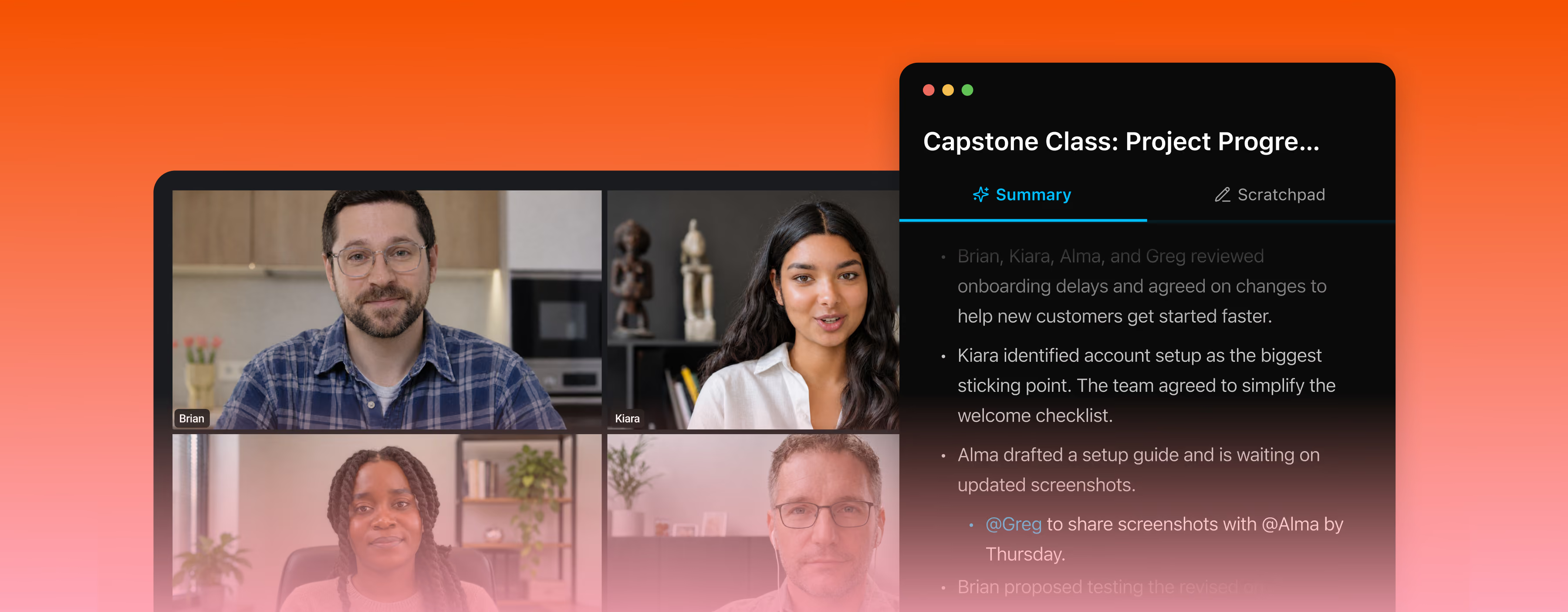
Fathom syncs meeting insights automatically with the tools your team uses. Zero friction, maximum flexibility.


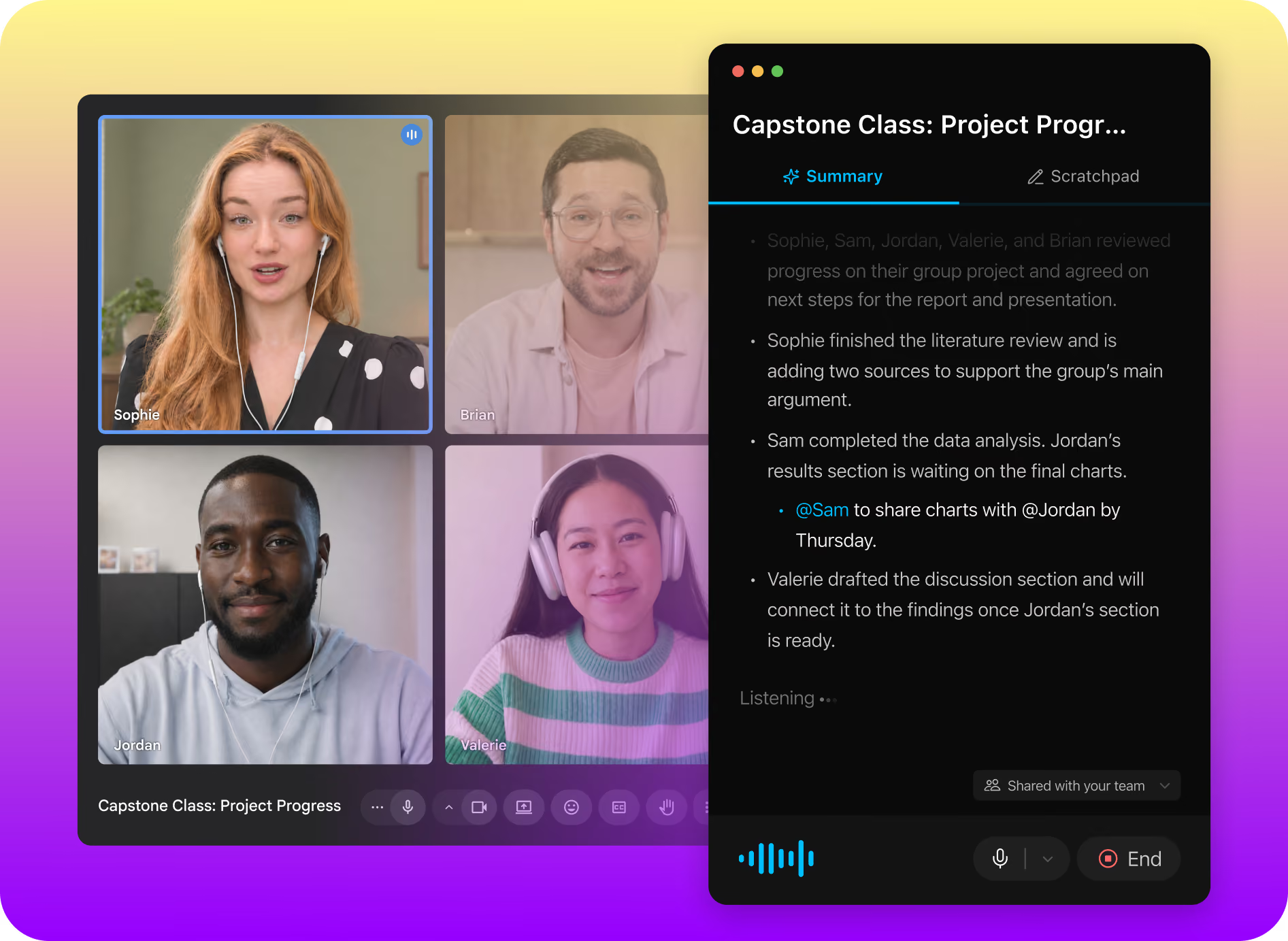
A ping, an email, a side thought. The live summary builds in the order the conversation happens, so you can glance over, see what you missed, and jump back in.
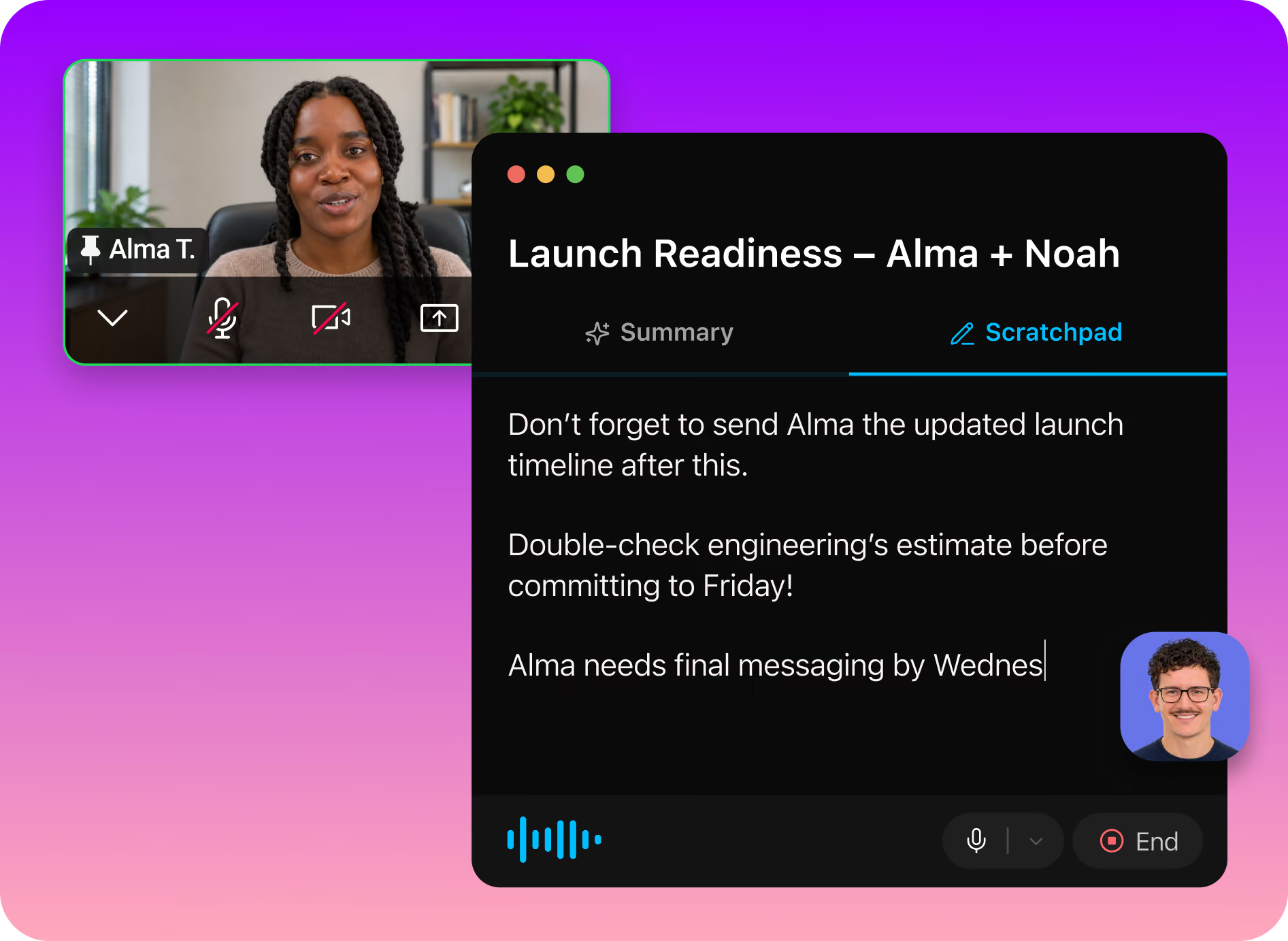
Scratchpad is a private space for your observations during the call. Your notes stay visible only to you and shape your personal post-call summary, so the context that matters to you doesn’t get lost.
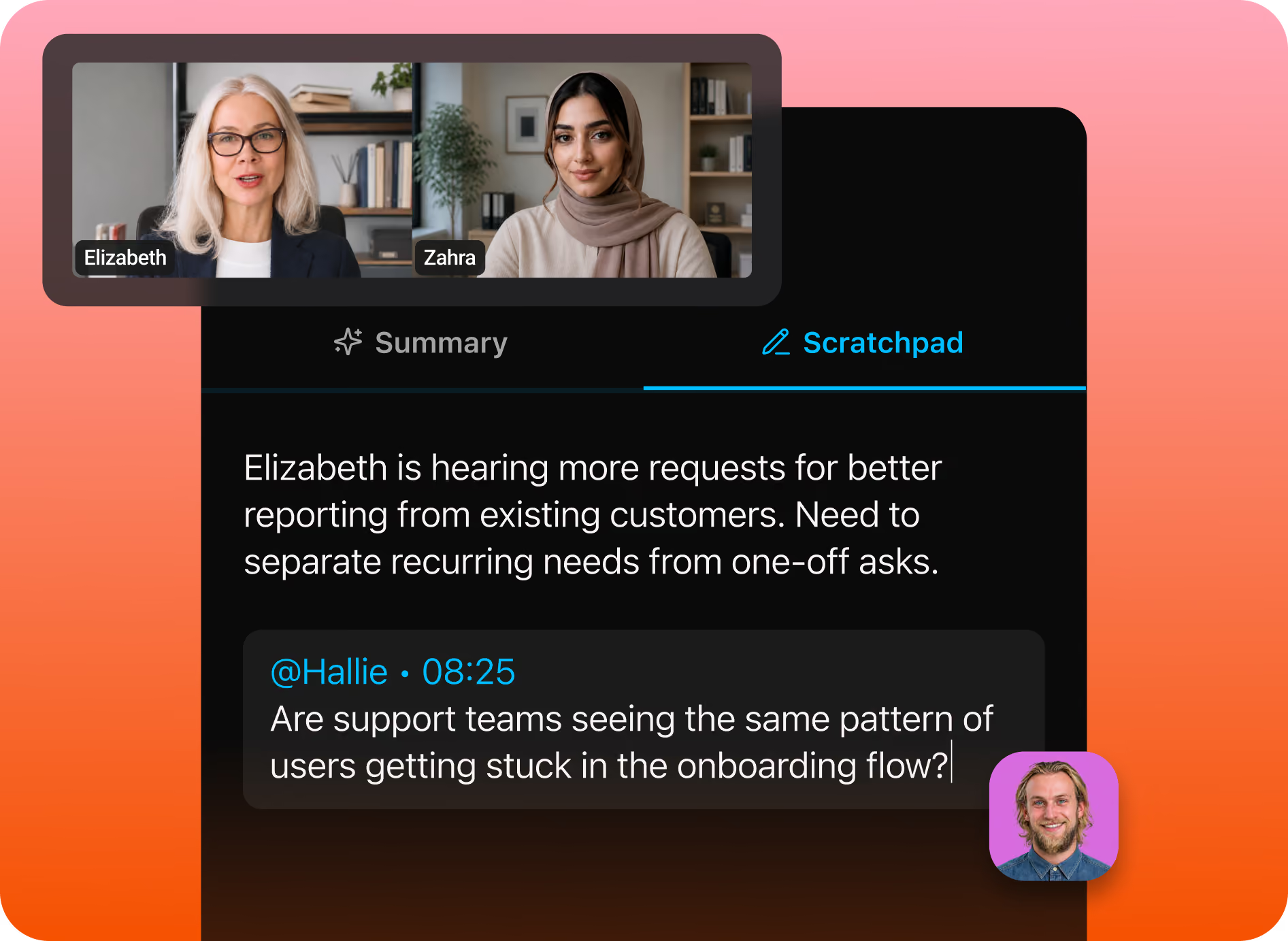
@-mention a teammate in Scratchpad and that note goes straight to them. Flag a question for your manager or a follow-up for a colleague without writing a separate message later.
Put your AI meeting assistant to work for your team


Testimonials


It is much more stable and reliable than Copilot. Also, the customer support has been fantastic!
Carlos O.
CEO
The level of detail and the accuracy in the notes are truly impressive. This is much better than the built-in Zoom AI Companion!
Paul O.
Senior IT SRE Engineering Manager
I have been trying a number of different notetakers in the past 6 months (Read AI, Otter, Google Meet's Gemini) and Fathom provides far and away the best summaries post-meeting. I used to take my own notes alongside the other notetakers as my notes were generally better, but now I don't bother doing that any more!
Verified G2 User
Motion Pictures and Film
It’s such a nice experience to not worry about missing important notes or to do’s during calls I’m also a big fan of using fathom to transcribe sales calls, so I can gather valuable insights about my ideal clients. I recommend Fathom to all my friends and clients!
Luke
Owner
A real game changer for meetings. You can be focused in the meeting itself instead of taking notes or trying to remember tasks and topics after the call. Recap, summaries, highlights, recording, stats... that's a bunch of features that make everything easy and profitable for your business!
Eduardo K.
Country Sales Manager for Spain
Questions? We’ve got you covered.
An AI meeting assistant keeps track of a meeting so you can focus on the people in it. Fathom’s AI meeting assistant builds a live summary during the call, gives you a private Scratchpad for your own notes, and delivers a full summary, action items, and transcript when the meeting ends.
The live summary builds in the order the conversation happens. If your focus drifts, glance at it to see what you missed and jump back in without asking anyone to repeat themselves.
Scratchpad is a private space for your own notes during a call. What you write there shapes your personal post-call summary, so the context that matters to you doesn’t get lost.
No. Scratchpad notes are visible only to you and don’t appear in the shared meeting summary.
Yes. @-mention a teammate in Scratchpad and that note goes straight to them, so you can flag a question or a follow-up without writing a separate message later.
Live summaries and Scratchpad are in the new Fathom desktop app on Mac (macOS 14.2 or later). Windows support is coming.
Fathom delivers the full summary, action items, and transcript, plus a personal summary shaped by your Scratchpad notes. You can then use Ask Fathom to ask questions about the call or across your team’s meetings.
An AI notetaker captures the call and summarizes it afterward. Fathom does that too, and its AI meeting assistant also works during the call with a live summary, private notes, and @-mentions, so you get help while the conversation is still happening.