Fathom syncs meeting insights automatically with the tools your team uses. Zero friction, maximum flexibility.

Use case: Conversational intelligence
Meetings are where decisions get made, but most of that context never reaches a doc. Fathom’s conversation intelligence software turns your team’s meetings into an organized, searchable history, so you can spot what keeps coming up and turn it into briefs, plans, and next steps.
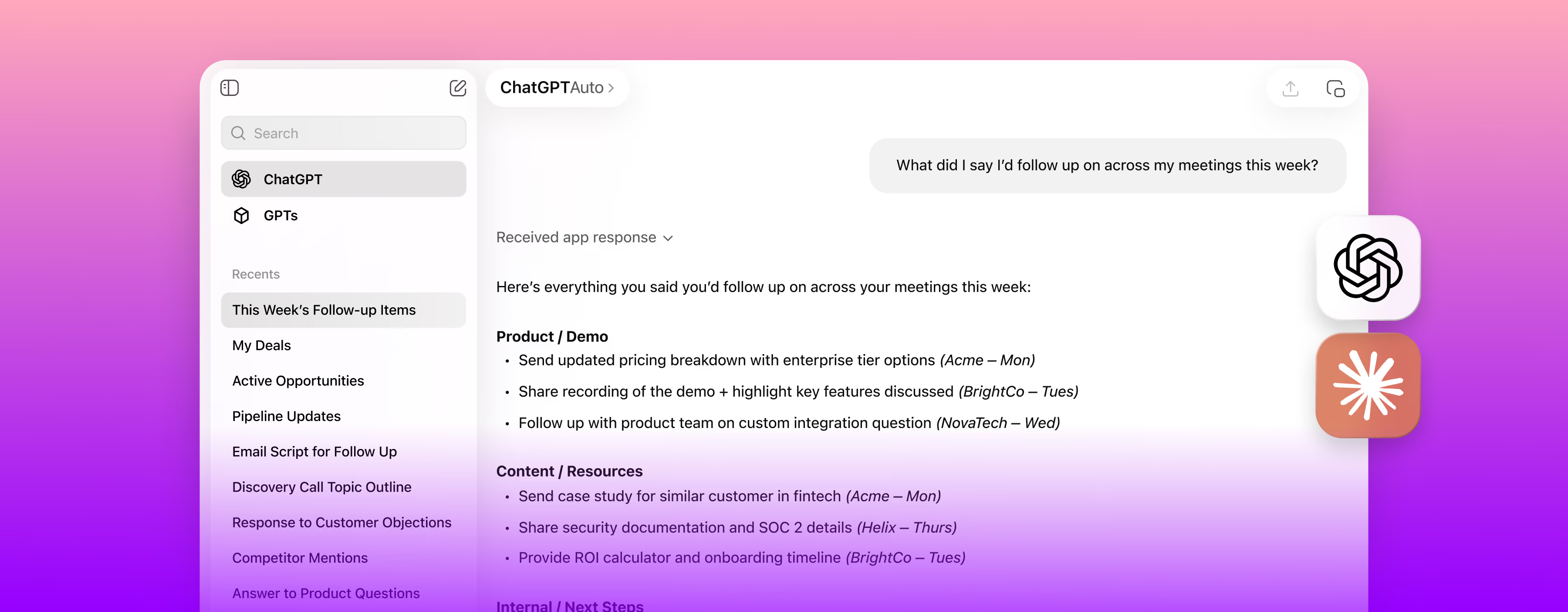


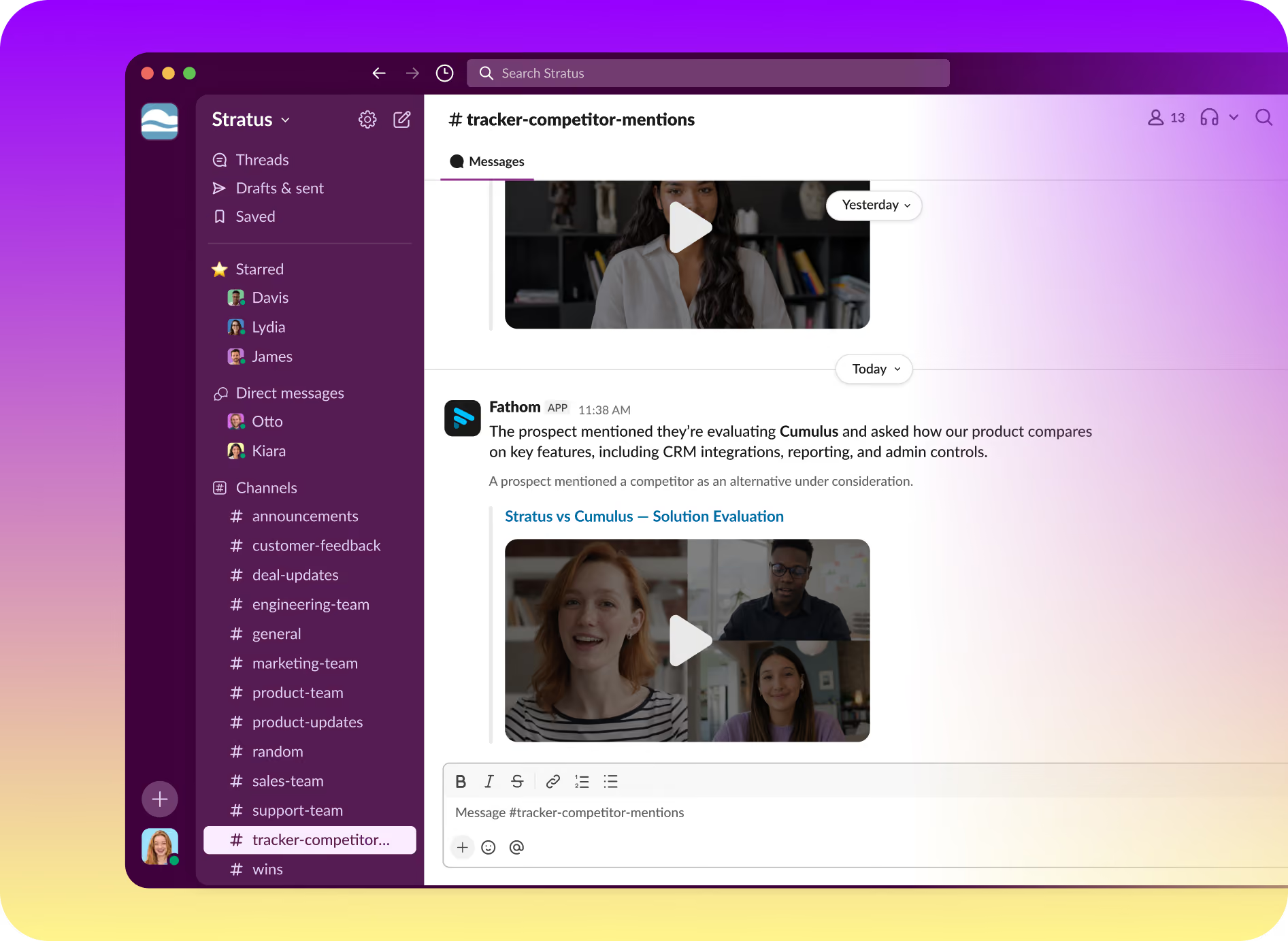
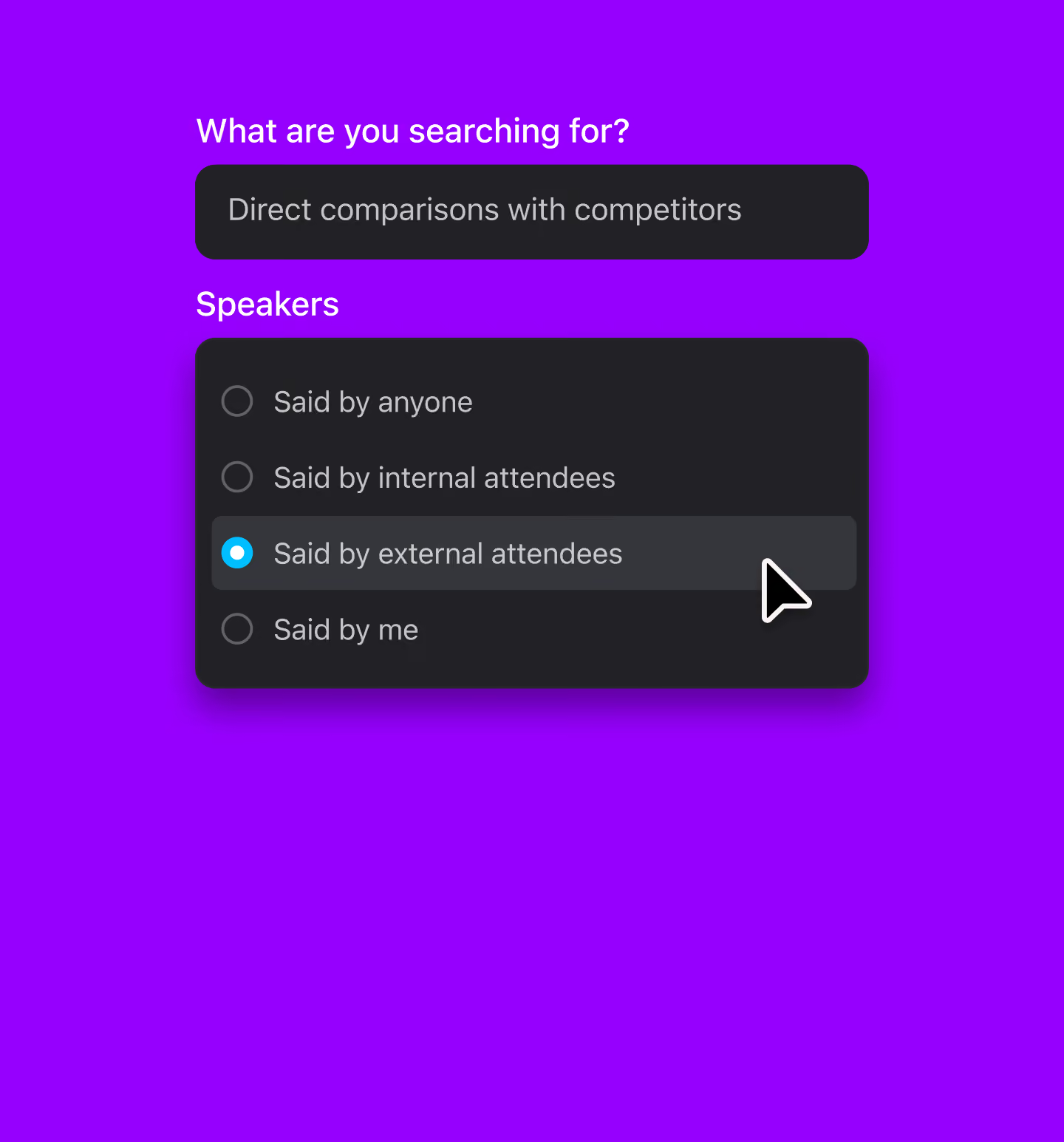
Create a Tracker for anything your team needs to keep up with, like a product launch, a competitor, or a recurring blocker. Fathom spots each mention by meaning, not just keywords, and sends it to Slack or a weekly digest.
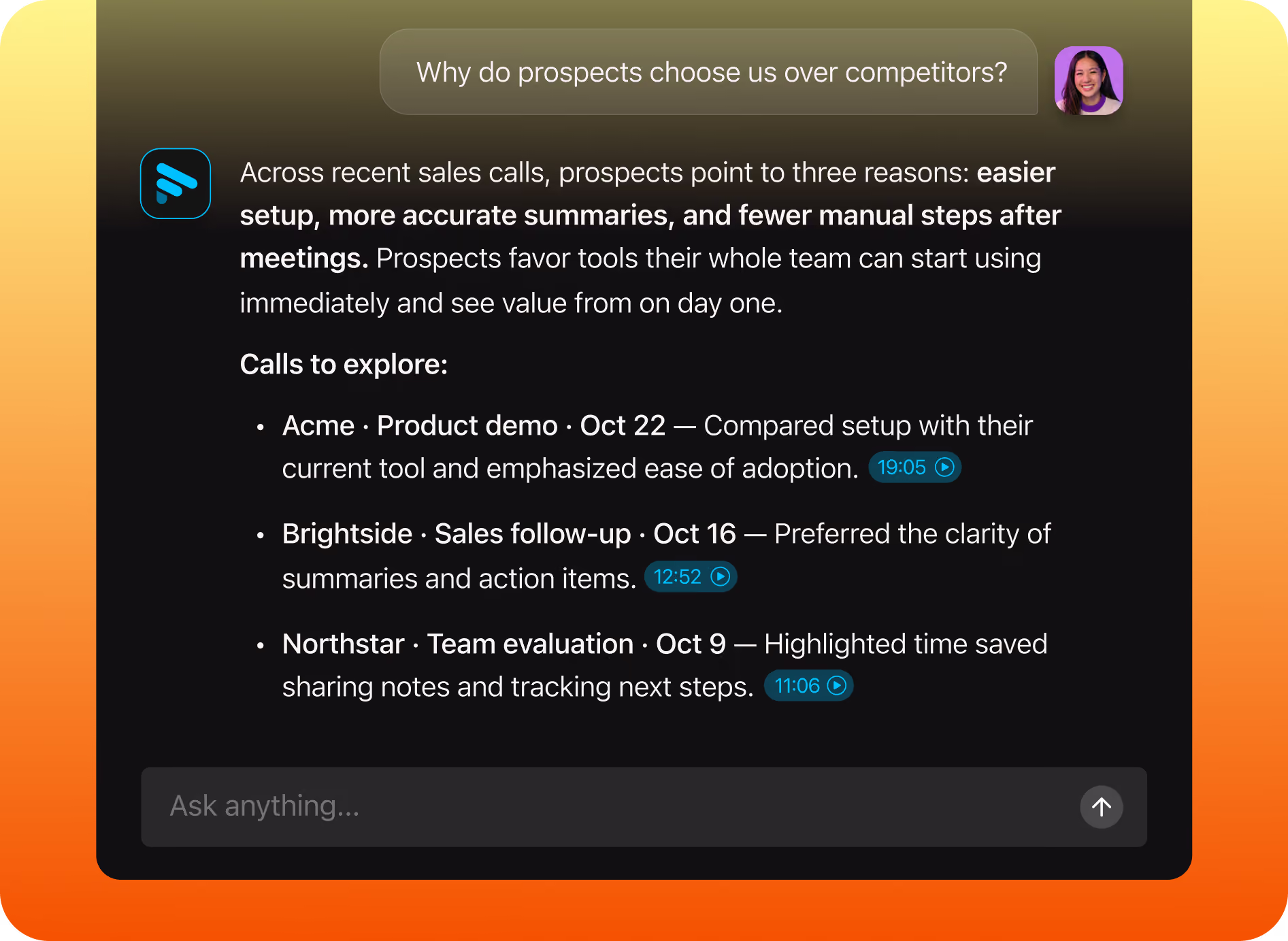
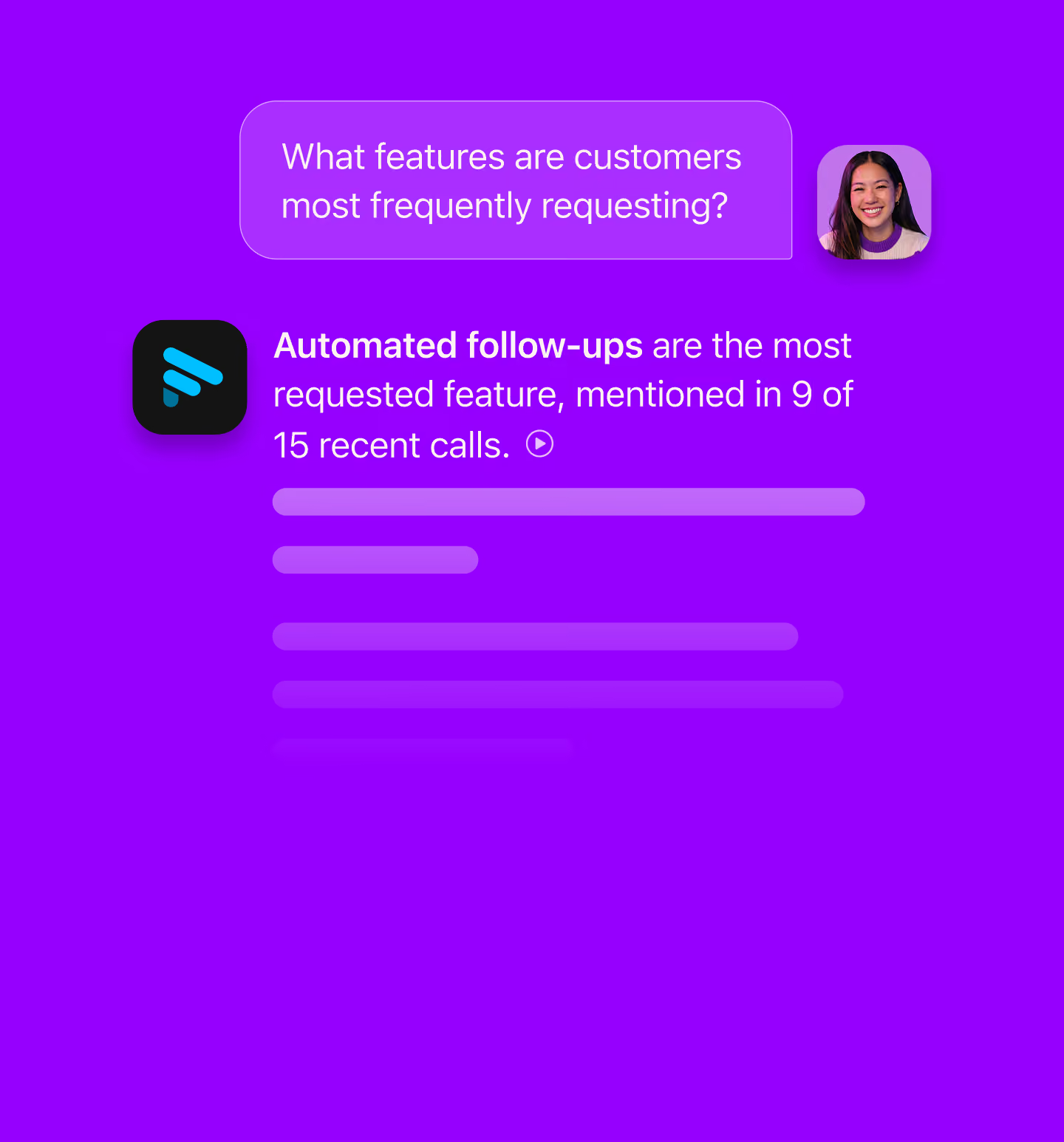
Ask which objections keep coming up, what customers say about pricing, or where onboarding gets stuck. Ask Fathom answers from the calls you have access to and shows its sources, so you can check the moment yourself.
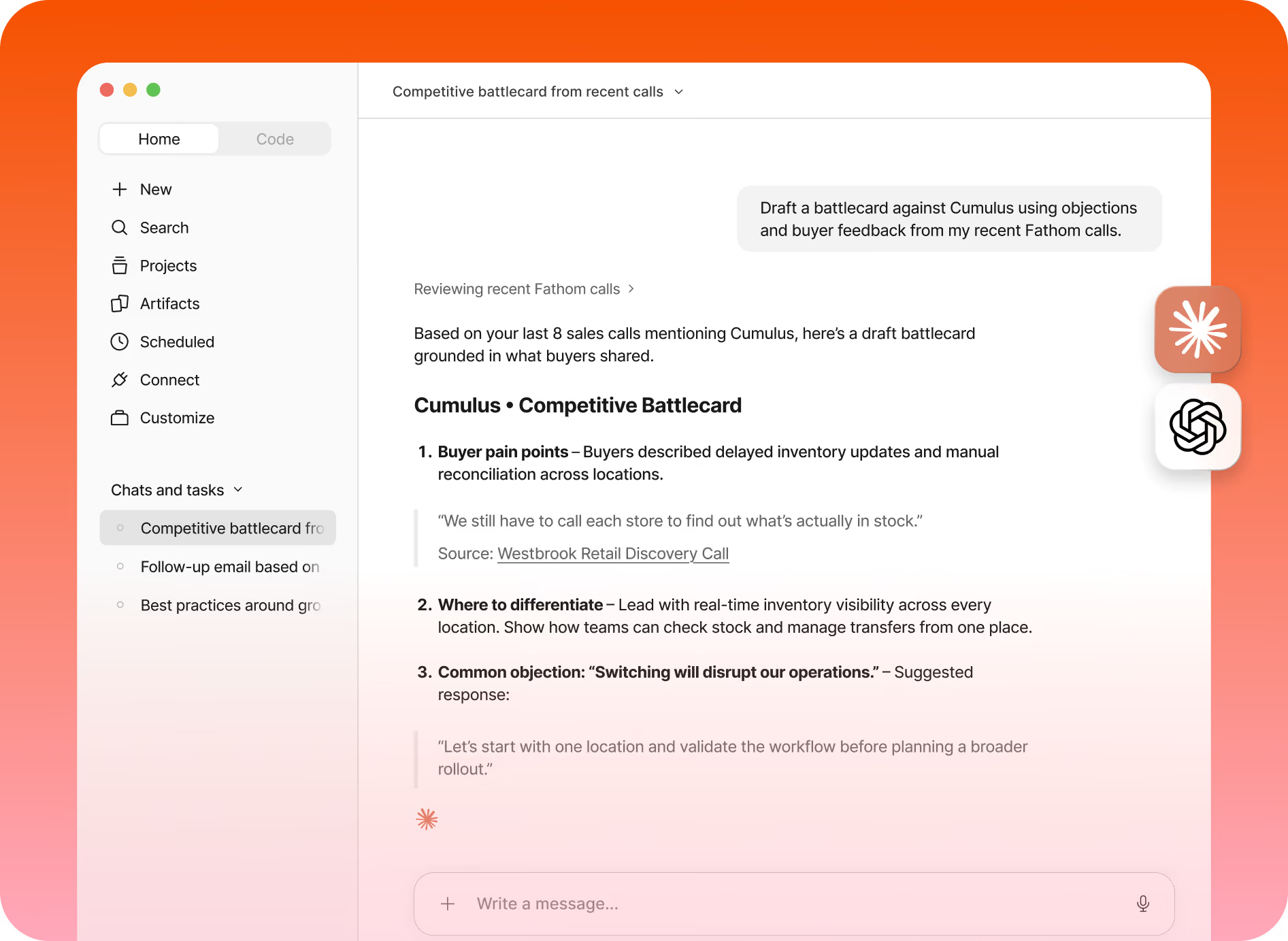
Connect Fathom to Claude or ChatGPT and draft a battlecard, a QBR narrative, or an exec brief straight from your calls, alongside the docs you’re already working in. No copying and pasting transcripts.
Testimonials



It is much more stable and reliable than Copilot. Also, the customer support has been fantastic!
Carlos O.
CEO
The level of detail and the accuracy in the notes are truly impressive. This is much better than the built-in Zoom AI Companion!
Paul O.
Senior IT SRE Engineering Manager
I have been trying a number of different notetakers in the past 6 months (Read AI, Otter, Google Meet's Gemini) and Fathom provides far and away the best summaries post-meeting. I used to take my own notes alongside the other notetakers as my notes were generally better, but now I don't bother doing that any more!
Verified G2 User
Motion Pictures and Film
It’s such a nice experience to not worry about missing important notes or to do’s during calls I’m also a big fan of using fathom to transcribe sales calls, so I can gather valuable insights about my ideal clients. I recommend Fathom to all my friends and clients!
Luke
Owner
A real game changer for meetings. You can be focused in the meeting itself instead of taking notes or trying to remember tasks and topics after the call. Recap, summaries, highlights, recording, stats... that's a bunch of features that make everything easy and profitable for your business!
Eduardo K.
Country Sales Manager for Spain
Questions? We’ve got you covered.
Conversation intelligence software analyzes your team’s calls to surface patterns like recurring objections, competitor mentions, and customer requests. Fathom’s conversation intelligence software turns your meetings into a searchable history, tracks the topics you care about by meaning, and answers questions across your team’s calls with sources.
Yes. Both terms describe software that analyzes conversations to find insights. Fathom applies conversational intelligence to your meetings: every call is captured, transcribed, and summarized, so patterns across calls are easy to find and act on.
Create a Tracker for a product launch, a competitor, or a recurring blocker. Fathom recognizes each mention by meaning, not just keywords, and sends it to Slack or a weekly digest. Trackers apply to calls captured after the Tracker is created.
Ask which objections keep coming up, what customers say about pricing, or where onboarding gets stuck. Ask Fathom answers from the calls you have access to and links to the source moments, so you can check them yourself.
Yes. Fathom’s MCP integration, available on every plan, brings your meeting context into Claude and ChatGPT so you can draft battlecards, QBR narratives, or exec briefs alongside your docs. Your AI assistant can only access meetings you can already see in Fathom.
Fathom only surfaces meetings you already have access to, so every answer respects your team’s sharing settings. Trackers are available to team members with view access to one or more teams’ meetings.
It depends on your plan. On the Free plan, Ask Fathom searches your last two weeks of calls. Premium opens your full meeting history, Team adds Team Calls with a two-week lookback, and Business and Enterprise cover your full history across My Calls and Team Calls.
Trackers are available on Fathom’s Team, Business, and Enterprise plans. Ask Fathom is on every plan, with team-wide search depending on your plan, and the MCP integration works on every plan, including Free. See Fathom pricing for current plan details.