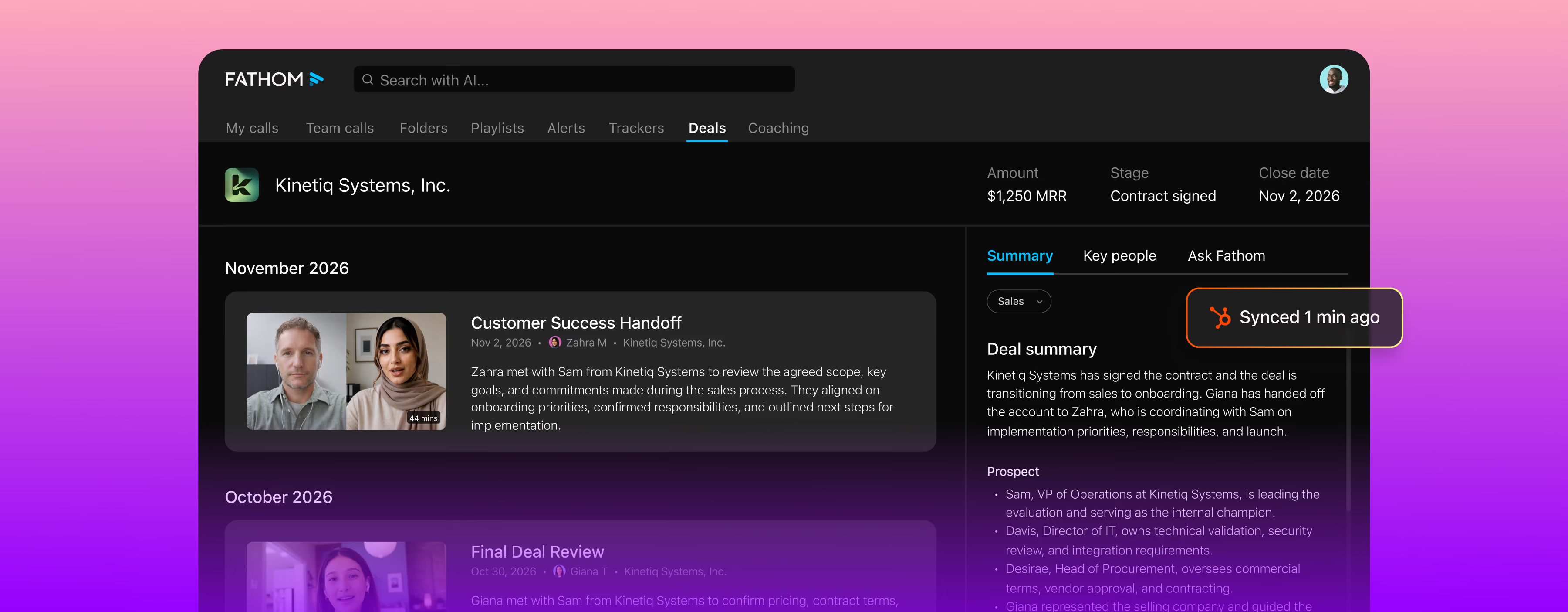
Fathom syncs meeting insights automatically with the tools your team uses. Zero friction, maximum flexibility.


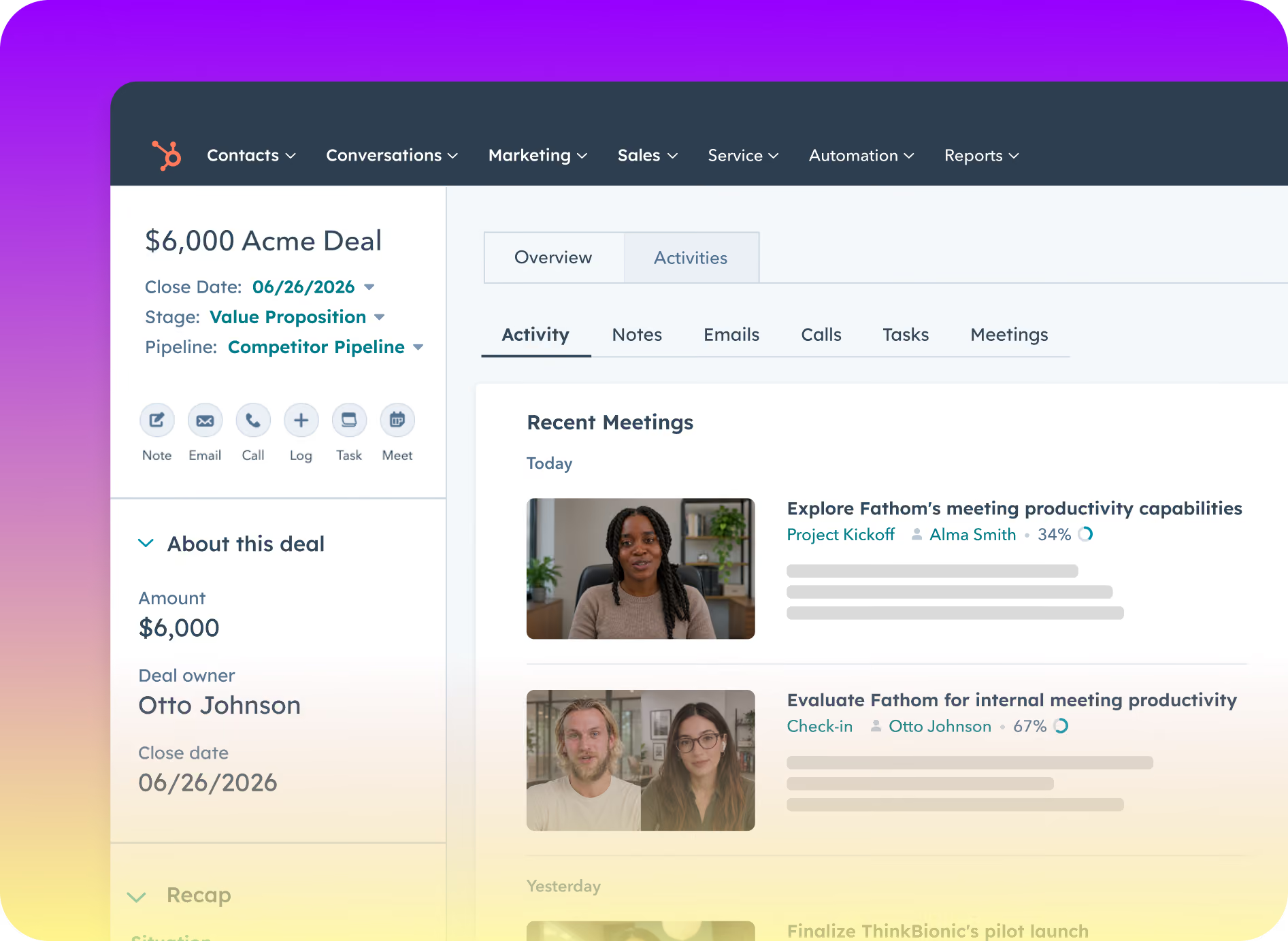
When a call ends, Fathom logs its summary as an activity on the right contact, account, and open opportunity. Admins can set a template for each Meeting Type, so discovery calls and renewals each log what matters.
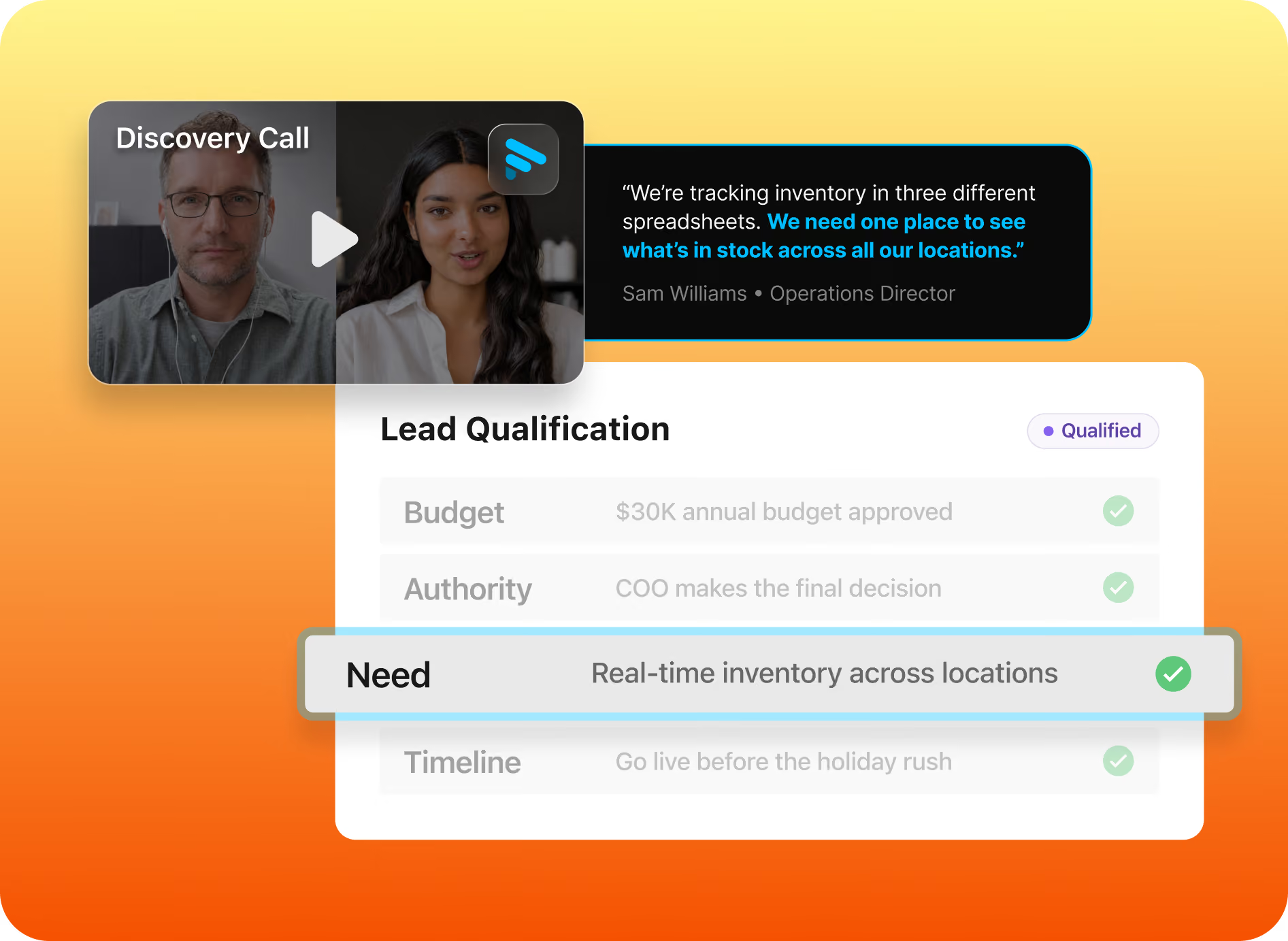
Map BANT, MEDDIC, or your own criteria to deal fields once. Fathom pulls the answers from the calls on each deal and keeps them current, so your CRM reflects what the buyer said most recently.
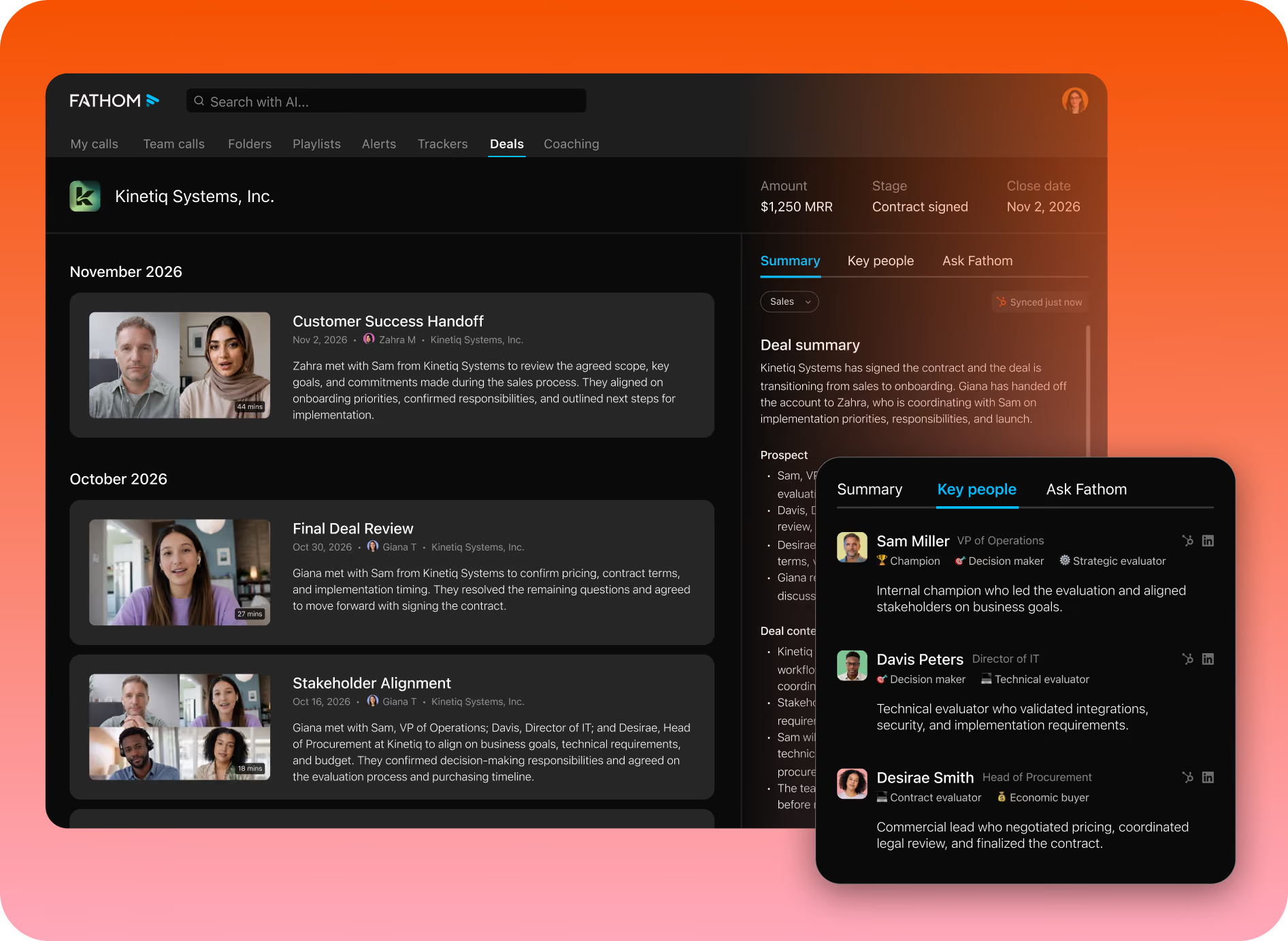
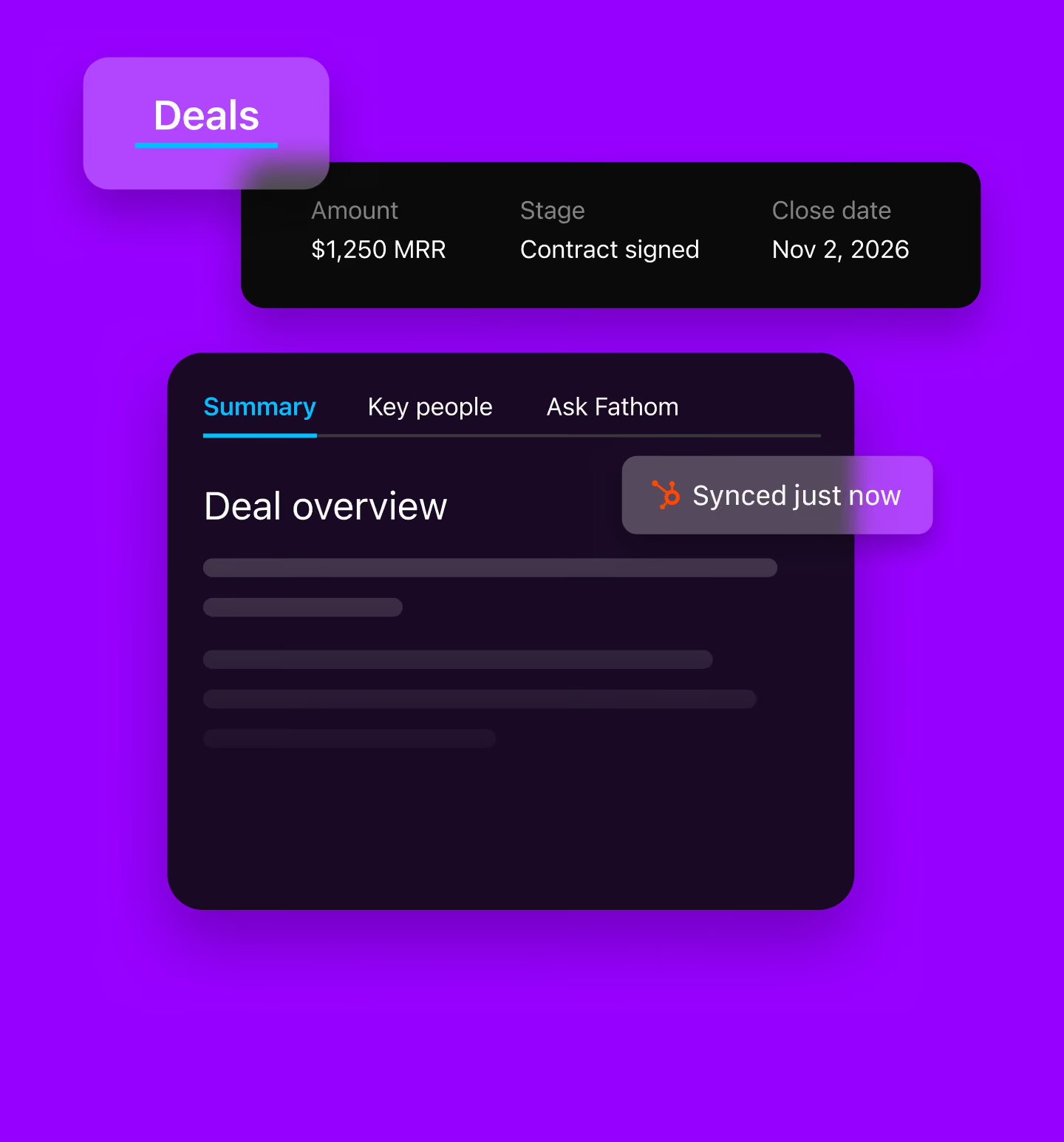
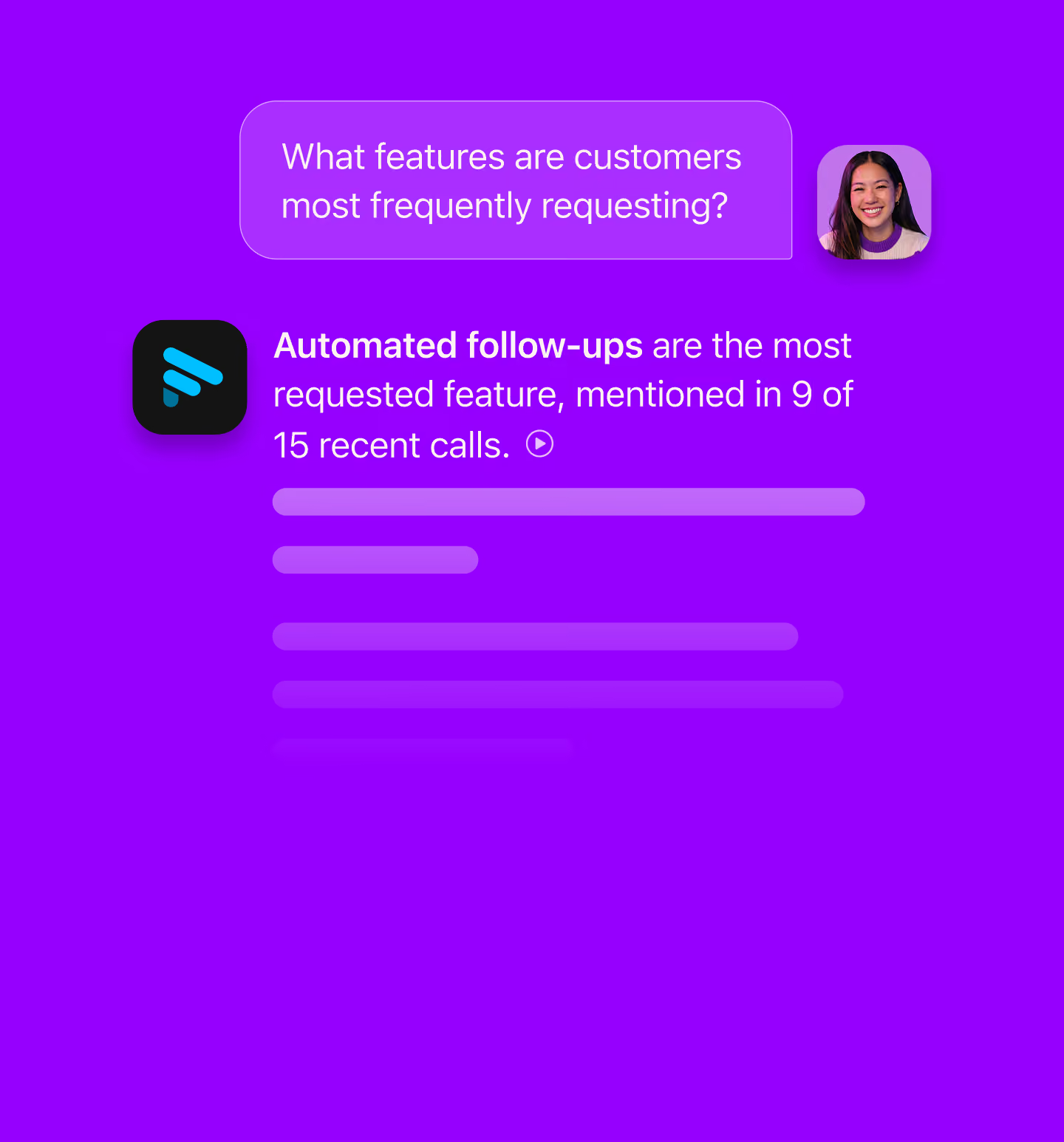
Deal View lines up every call, key person, and next step on a deal in one timeline. Managers ask what’s blocking the deal and get an answer drawn from the calls themselves, with no prep deck from the rep.
Testimonials



It is much more stable and reliable than Copilot. Also, the customer support has been fantastic!
Carlos O.
CEO
The level of detail and the accuracy in the notes are truly impressive. This is much better than the built-in Zoom AI Companion!
Paul O.
Senior IT SRE Engineering Manager
I have been trying a number of different notetakers in the past 6 months (Read AI, Otter, Google Meet's Gemini) and Fathom provides far and away the best summaries post-meeting. I used to take my own notes alongside the other notetakers as my notes were generally better, but now I don't bother doing that any more!
Verified G2 User
Motion Pictures and Film
It’s such a nice experience to not worry about missing important notes or to do’s during calls I’m also a big fan of using fathom to transcribe sales calls, so I can gather valuable insights about my ideal clients. I recommend Fathom to all my friends and clients!
Luke
Owner
A real game changer for meetings. You can be focused in the meeting itself instead of taking notes or trying to remember tasks and topics after the call. Recap, summaries, highlights, recording, stats... that's a bunch of features that make everything easy and profitable for your business!
Eduardo K.
Country Sales Manager for Spain
Questions? We’ve got you covered.
CRM automation handles the routine updates that keep your CRM current, like logging activities and filling deal fields, without manual data entry. Fathom’s CRM automation starts with your sales calls: it logs each call’s summary to HubSpot or Salesforce when the call ends and fills qualification fields from what buyers said.
Fathom works with HubSpot and Salesforce. When a call ends, Fathom logs its summary as an activity on the matching contact, account, and open opportunity.
Yes. Map BANT, MEDDIC, or your own qualification criteria to deal fields once, and Fathom fills them from the calls on each deal and keeps them current. Custom field mapping is fully supported in HubSpot. In Salesforce, date, picklist, and number fields can’t be mapped yet.
Yes. Admins can set a summary template for each Meeting Type, so discovery calls, demos, and renewals each log the details that matter for that stage.
Deal View lines up every call, key person, and next step on a deal in one timeline. Managers can ask what’s blocking a deal and get an answer drawn from the calls themselves, without a prep deck from the rep. Deal View requires HubSpot or Salesforce connected at the team level.
No. When a call ends, Fathom logs the summary to the right records automatically, so reps can move straight to their next conversation instead of writing up notes.
Yes. The Fathom API returns summaries, action items, transcripts, Highlights, and CRM matches, so you can send call data into custom fields, dashboards, or other tools your team uses.
Deal View, AI Deal Summaries, and deal field mapping are available on Fathom’s Business and Enterprise plans. Start a free team trial to try them on your own calls, and see Fathom pricing for current plan details.